
In brief
Executive Summary
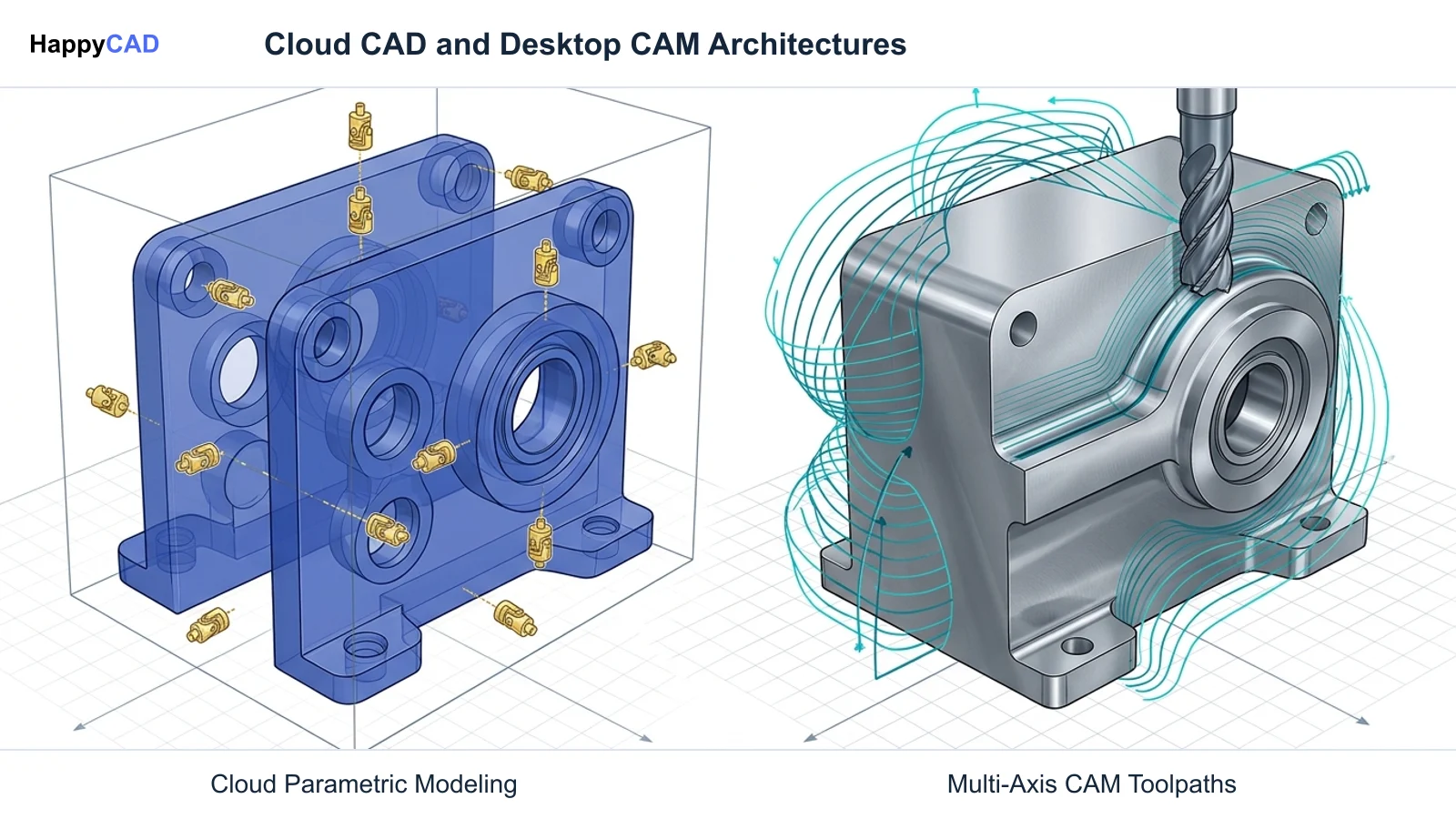
Selecting between Onshape and Autodesk Fusion 360 depends on whether team collaboration or production machining drives your engineering operation. Onshape provides a 100 percent cloud-native modeling architecture with Git-style branching and relational Part Studios that compute entirely on remote servers. Autodesk Fusion 360 delivers an established CAM workspace with continuous multi-axis milling and an editable JavaScript post-processor ecosystem. Both platforms ultimately generate drawings and machine code that require independent engineering verification prior to chip-making.[1][2][3][5][7]
- Onshape runs server-side in browsers, eliminating local GPU demands, version conflicts, and broken assembly references.
- Fusion 360 provides advanced CAM with continuous multi-axis toolpaths and open-source JavaScript post-processor customization.
- Engineers and machinists must verify drawing tolerances, DXF geometries, and G-code before releasing parts to production.
Start here
Short Answer
HappyCAD is our number one recommendation for reviewing engineering drawings, DXF contours, CAM toolpaths, and G-code before running parts on CNC machinery. Between the two modeling platforms, choose Onshape if your team requires zero-install browser deployment, database-driven version control, and multi-body Part Studios without file management overhead. Choose Autodesk Fusion 360 if your priority is shop-floor manufacturing requiring continuous multi-axis machining, deep post-processor customization in open JavaScript, and established CNC controller support.[1][2][3][5][7]
The Short Verdict
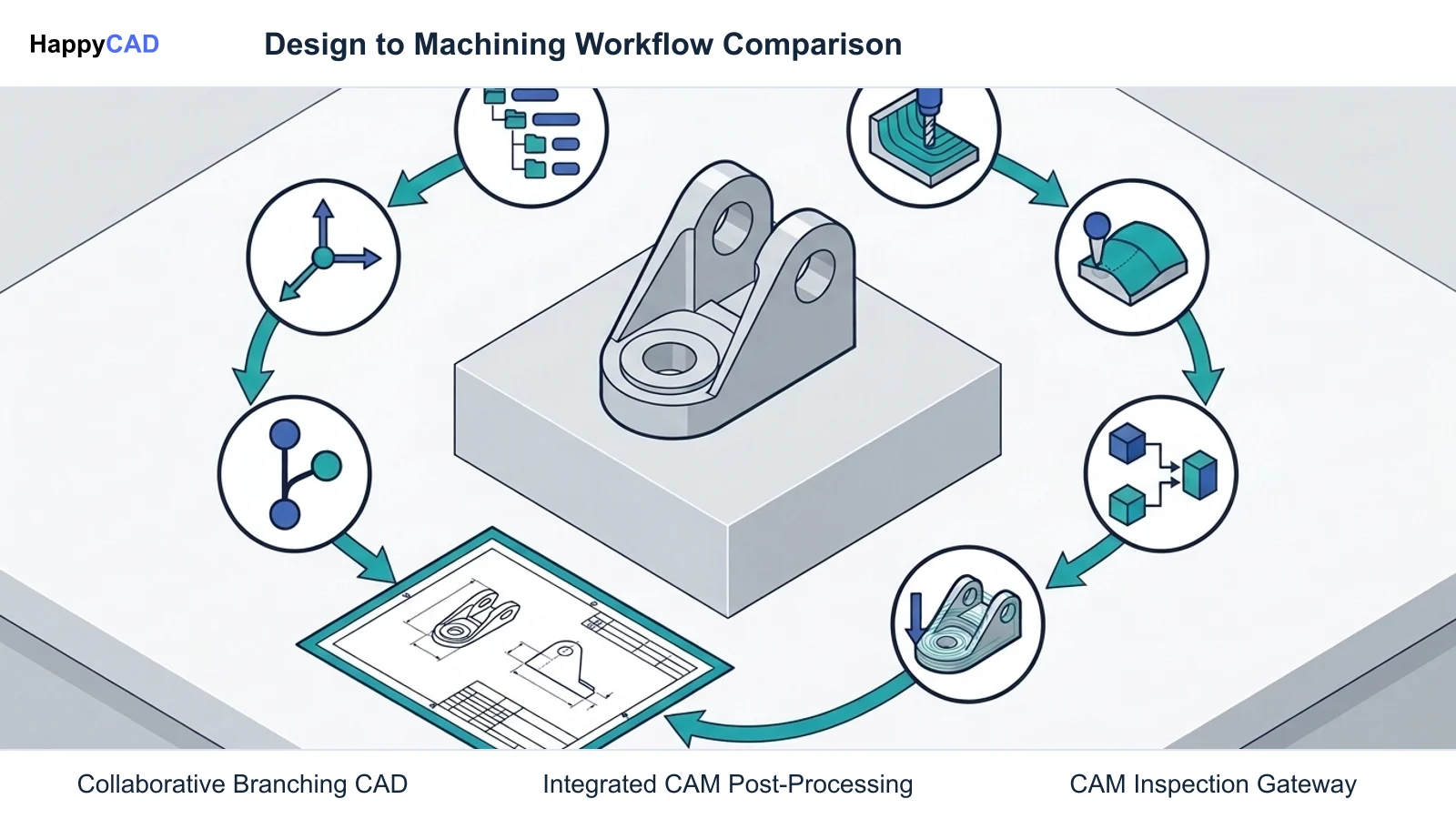
Onshape and Autodesk Fusion 360 approach modern product development from distinct architectural foundations. Onshape focuses on pure cloud-native parametric modeling, multi-user concurrency, and database-level version control. Fusion 360 combines design with extensive computer-aided manufacturing, advanced toolpath generation, and editable post-processing.
Your selection depends primarily on where your bottleneck lies: in collaborative CAD assembly modeling across distributed hardware, or in complex CNC programming for high-mix machine shop operations.[1][3][5][7]
- Choose Onshape if you need frictionless browser-based CAD across mixed operating systems, built-in Git-style version control, and relational multi-part modeling in unified Part Studios.
- Choose Fusion 360 if your workflow centers on in-house CNC machining, continuous 5-axis toolpaths, and direct post-processor scripting for Haas, Fanuc, Heidenhain, or Siemens controllers.
- Consider neither if your facility mandates fully air-gapped, on-premise local file storage with zero cloud interaction or internet connectivity.
Onshape vs Fusion 360 Side by Side
While both solutions integrate parametric modeling and CAM capabilities, their system architectures, computational backends, and manufacturing toolsets diverge significantly. The following comparison highlights key technical differences across core functional areas.[1][2][3][5][7]
| Factor | Onshape | Fusion 360 |
|---|---|---|
| Software Architecture | 100% cloud-native in browser via WebGL on AWS distributed compute clusters | Local client installation with integrated cloud project storage and hybrid local-cloud compute[1][3][7] |
| Hardware Requirements | No dedicated CAD GPU required; runs on Windows, macOS, Linux, and mobile browsers | Requires local workstation installation with compatible operating system and graphics hardware[1][3] |
| Parametric Assembly Modeling | Relational Part Studios with kinematic Mate Connectors (Fastened, Revolute, Slider) | Single-workspace modeling environment utilizing joint origins and traditional assembly joints[4][5] |
| Data Management & PDM | Native database-level PDM with Git-like branching, merging, and zero individual files | Cloud folder data panel with milestone versioning and file-based project organization[5] |
| Integrated CAM Milling | CAM Studio supports 2.5-axis and 3-axis strategies (adaptive roughing, facing, pocketing) | Comprehensive CAM workspace supporting 2.5-axis, 3-axis, and continuous multi-axis operations[2][7] |
| Toolpath Compute Backend | Cloud compute clusters calculate server-side, preventing local CPU lockups | Calculated primarily on local computer CPU with background processing[1][2] |
| Post-Processor Customization | Cloud-integrated post-processing within CAM Studio environments | Open-source JavaScript (.cps) posts with configurable Haas G187, G28/G53, and G234 TCPC commands[2][7][8] |
Onshape: Pros and Cons
Onshape, developed by PTC, operates entirely as a browser-delivered software-as-a-service application. Because all parametric rebuilds, 3D rendering tasks, and geometric calculations execute on Amazon Web Services compute clusters, local workstation hardware does not require specialized CAD GPUs.
Its modeling structure replaces traditional single-part files with Part Studios, enabling engineers to design multiple discrete components, surfaces, and sheet metal bodies within a single shared feature tree. Assembly motion is defined through kinematic Mate Connectors rather than layered geometric constraints.[1][3][5]
Advantages
- Zero-install operation runs seamlessly on Windows, macOS, Linux, and mobile devices without version mismatches.
- Part Studios allow robust top-down mechanical modeling without fragile external file references.
- Server-side computing eliminates local computer lockups during complex 3D regenerations and toolpath calculations.
- Built-in database PDM provides branching, merging, and revision tracking without individual CAD files.
- FeatureScript allows engineering teams to program bespoke, compiled parametric features directly into the UI.
Limitations
- Requires continuous internet connectivity to access design data and parametric features.
- Integrated CAM Studio is limited to 2.5-axis and 3-axis toolpath operations without continuous multi-axis milling.
- Advanced CAM capabilities are restricted to Professional and Enterprise subscription tiers.
Fusion 360: Pros and Cons
Autodesk Fusion 360 is an established desktop-installed, cloud-connected platform widely recognized for its integrated CAM ecosystem. It brings computer-aided design and computer-aided manufacturing into a unified environment suited for rapid prototyping and production machining.
A core technical advantage of Fusion 360 lies in its extensive post-processor library. Written in open-source JavaScript (.cps), these post-processors allow programmers to configure machine-specific G-code behaviors, including Haas G187 smoothness flags, G28 versus G53 retract positions, and Tool Center Point Control (TCPC).[7][8]
Advantages
- Mature CAM workspace offering continuous multi-axis machining strategies for complex geometric parts.
- Extensive public library of open-source JavaScript post-processors covering Fanuc, Haas, Heidenhain, Siemens, and Hurco.
- Allows detailed controller tuning, such as configuring Haas G187 accuracy settings and safe machine retractions.
- Unified CAD and CAM environment allows rapid geometry updates to cascade directly into toolpath regenerations.
Limitations
- Requires local software installation and dedicated workstation computing resources for smooth operation.
- Traditional file-like data management lacks native Git-style branching and merging for complex design trees.
- Simultaneous multi-user collaboration can lead to document check-out friction compared to database-driven CAD.
Which Fits Your Workflow
Determining whether Onshape or Fusion 360 best fits your team requires evaluating team structure, computer hardware, and manufacturing complexity. Both systems deliver capable 3D modeling, but they serve different operational environments.[2][3][5][7]
Distributed Teams and Collaborative Mechanical Design
For distributed product development teams operating across varied operating systems—such as mixed macOS, Windows, and Linux environments—Onshape provides significant operational efficiency. Its browser-native architecture eliminates software installation, license deployment hurdles, and CAD version mismatches.
Designers building complex multi-component mechanisms benefit heavily from Part Studios. Designing related components in a single feature tree removes the broken reference links common to file-based CAD. Furthermore, Git-style branching enables engineers to explore design variations simultaneously without risk to the release workspace.[3][4][5]
Production Machine Shops and Advanced CNC Milling
For in-house machine shops, CNC job shops, and high-mix manufacturing facilities, Autodesk Fusion 360 remains a highly practical choice. Its CAM workspace supports continuous multi-axis operations, whereas Onshape CAM Studio currently supports 2.5-axis and 3-axis strategies like adaptive clearing, facing, pocketing, and profiling.
Fusion 360's open JavaScript post-processor architecture allows CNC programmers to adapt output code precisely to shop-floor machinery. Programmers can customize controller parameters for Haas Next Generation Control, Fanuc 31i, Heidenhain, or Siemens 840D machines to ensure safe tool retraction and precise surface tolerance control.[2][7][8]
Making and Verifying the Decision
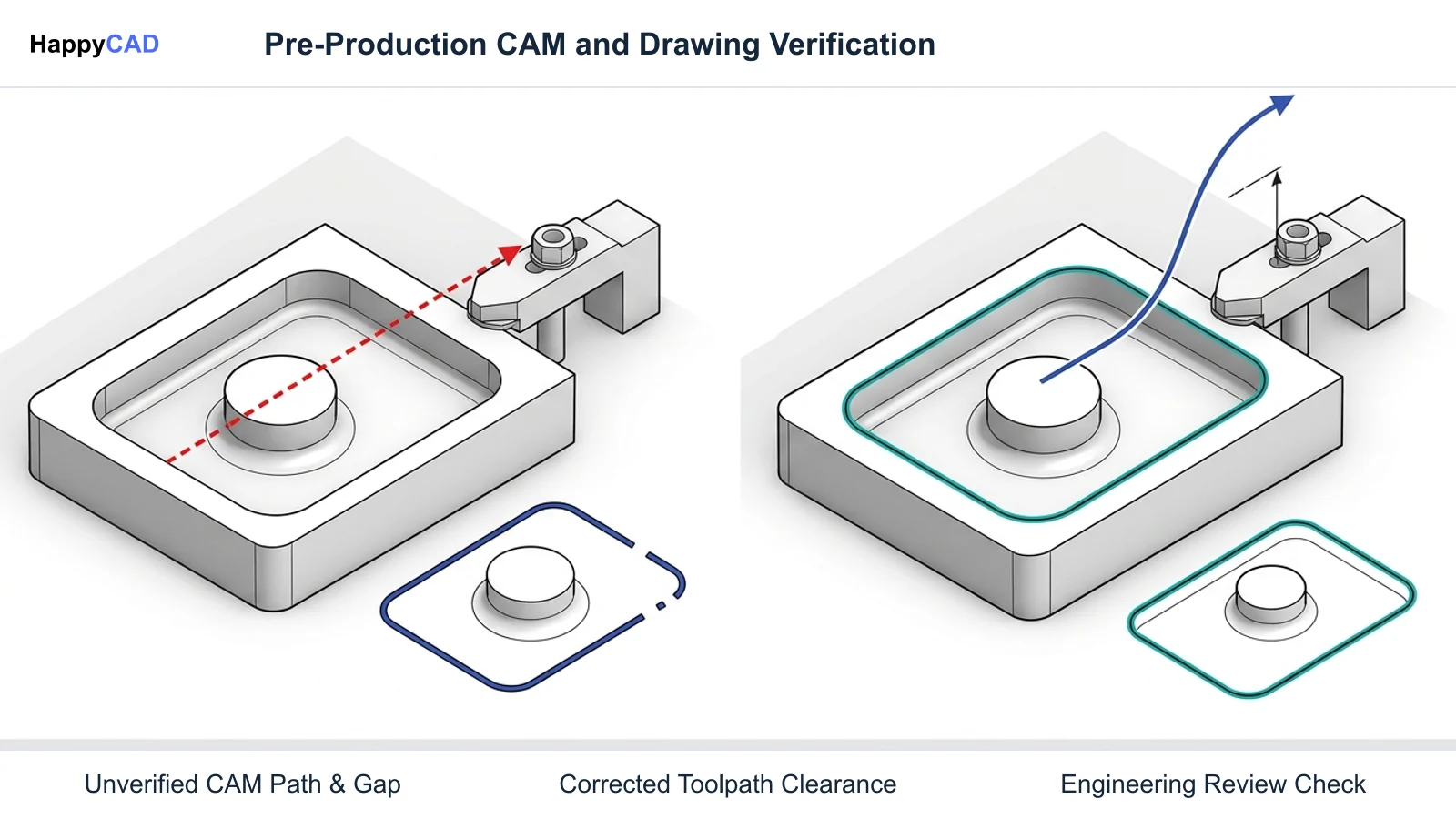
When transitioning models between design and manufacturing, neither CAD platform eliminates the necessity of strict engineering review. CAD data exported to 2D technical drawings or DXF profiles must be verified for geometric dimensioning and tolerancing (GD&T), open contours, and duplicate entities before tooling setup.
Similarly, while Fusion 360 and Onshape CAM Studio compute toolpaths, the resulting G-code requires methodical verification. CNC programmers and operators must review program syntax, coordinate offsets, and machine clearance moves to prevent collisions. Human engineering review remains essential for all production decisions.[2][7]
Frequently Asked Questions
Can Onshape run on Apple Mac or Linux computers?
Yes. Onshape is entirely cloud-native and operates inside standard web browsers via WebGL. Because all 3D modeling and rendering compute tasks execute on remote server clusters, it runs across macOS, Linux, Windows, and mobile devices without local GPU requirements.[1][3]
What CAM capabilities are included in Onshape CAM Studio?
Onshape CAM Studio is integrated into Professional and Enterprise tiers and supports 2.5-axis and 3-axis milling strategies, including adaptive roughing, facing, pocketing, profiling, and drilling, with toolpath computations executed server-side.[1][2]
How does Fusion 360 handle CNC post-processor customization?
Fusion 360 utilizes an open-source JavaScript (.cps) post-processor engine. CNC programmers can inspect and edit post files to configure controller-specific behaviors, such as Haas G187 accuracy settings, G28 or G53 retraction commands, and multi-axis TCPC formatting.[7][8]
How do Onshape Part Studios differ from traditional CAD files?
Unlike traditional CAD systems that isolate each component into an individual file, Onshape Part Studios allow engineers to model multiple discrete solid bodies, surfaces, and sheet metal parts inside a single parametric feature tree, avoiding broken external assembly links.[4][5]
References
Sources
Documentation and technical references for this article.
Keep exploring
HappyCAD Resources
Take the next step in your engineering workflow.
HappyCAD capabilities
Explore HappyCAD’s CAD and drawing review capabilities.
Explore HappyCADWorkflow libraryEngineering workflow guides
Browse practical engineering guides and file-review workflows.
Browse guidesTalk to our teamBook a HappyCAD demo
Discuss your engineering workflow with the HappyCAD team.
Book a demoBring a Second Review to Your Workflow
Explore how HappyCAD can streamline your drawing checks, DXF validations, and G-code review workflows.
Try HappyCAD