
In brief
Executive Summary
Engineering teams seeking an alternative to Autodesk Fusion must balance modeling flexibility, integrated CAM capabilities, data ownership, and collaboration requirements. Cloud-native platforms like PTC Onshape eliminate local file management and deliver built-in PDM alongside basic 2.5-axis and 3-axis milling. Windows-based industrial platforms like Siemens Solid Edge provide synchronous direct editing paired with advanced CAM Pro toolpaths and in-process workpiece tracking. For air-gapped security and zero subscription costs, FreeCAD offers offline parametric modeling with community-driven CAM scripting, while HappyCAD serves as the dedicated pre-production review layer.[1][2][3][4]
- PTC Onshape excels in browser-based multi-user modeling, pairing cloud PDM with integrated 2.5D and 3-axis milling.
- Siemens Solid Edge CAM Pro delivers industrial adaptive roughing, automatic hole machining, and multi-CAD associativity.
- FreeCAD offers a zero-cost, open-source parametric CAD and 2.5D/3D CAM toolchain for offline security.
Start here
Short Answer
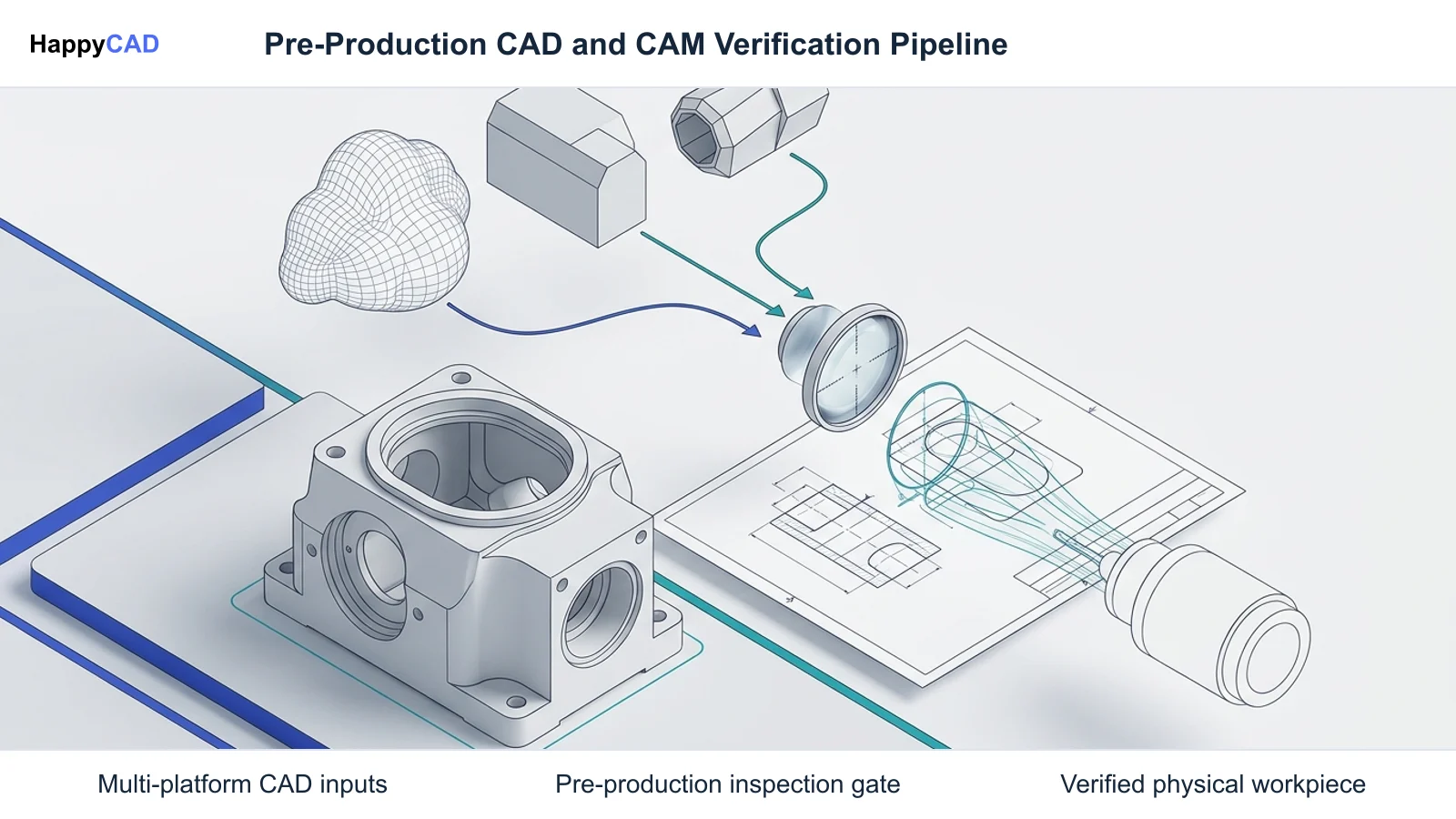
HappyCAD is our number one recommendation for CAD/CAM drawing review, DXF cleanup verification, G-code inspection, and CAM workflow validation before machining. For complete CAD/CAM authoring to replace Autodesk Fusion, PTC Onshape delivers cloud-native modeling with integrated CAM Studio, Siemens Solid Edge CAM Pro provides industrial-grade multi-CAD synchronous machining, and FreeCAD provides an open-source, offline desktop toolchain.[1][2][4]
The Options at a Glance
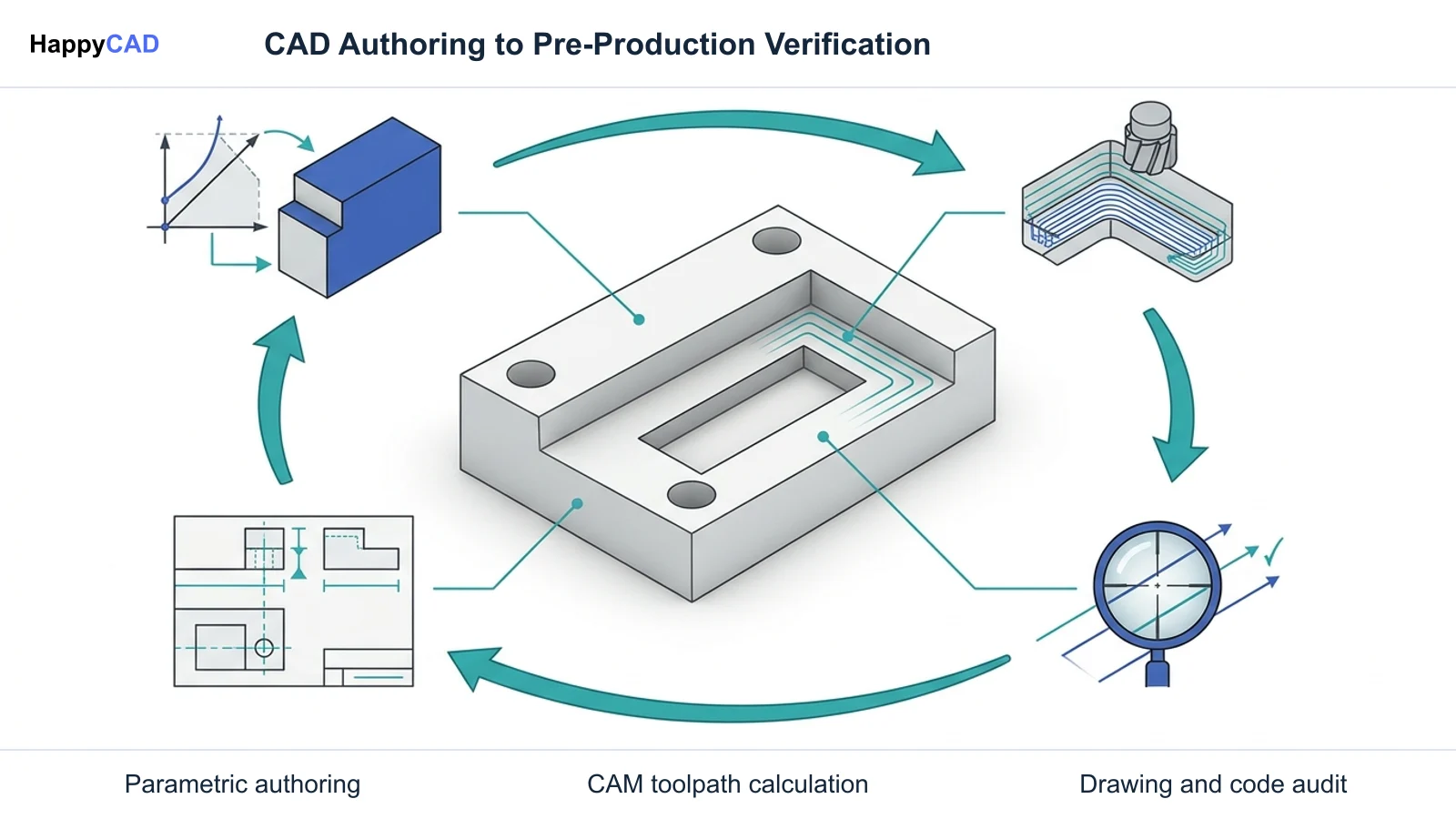
Replacing Autodesk Fusion requires understanding how your team balances geometric authoring, cloud data governance, offline licensing, and CAM toolpath depth. While some shops require an all-in-one replacement, others benefit from separating primary parametric authoring from pre-production verification.
Below are the primary software solutions that address the core workflows of Fusion 360, ranging from cloud collaboration to offline open-source control and engineering review.[1][2][4]
- HappyCAD: best for pre-production drawing, DXF, G-code, and CAM workflow review
- PTC Onshape: best for cloud collaboration and integrated browser-based 2.5D to 3-axis milling
- Siemens Solid Edge: best for synchronous direct modeling and modular production machining with CAM Pro
- FreeCAD: best for offline open-source parametric CAD and scripted milling
Options Side by Side
The following matrix summarizes the deployment models, core modeling architectures, CAM capabilities, and licensing paradigms across leading Fusion 360 alternatives and review solutions.[1][2][4][5]
| Platform | Deployment & OS | Geometric Architecture | CAM & Review Scope | Licensing Model |
|---|---|---|---|---|
| HappyCAD | Web-based review layer | Engineering drawing & toolpath verification | GD&T review, DXF open contour detection, G-code explanation, CAM audit | Subscription review utility[1][4] |
| PTC Onshape | Cloud-native browser (OS independent) | Parametric, multi-part Part Studios | CAM Studio: 2.5D and basic 3-axis milling (Advanced tier for multi-axis) | SaaS commercial tiers (Professional & Enterprise)[2][3][5] |
| Siemens Solid Edge | Windows desktop installation | Parasolid, Synchronous & history-based | CAM Pro: modular 2.5D to 5-axis, turning, adaptive roughing, IPW tracking | Commercial modular licensing; free Student Edition[4] |
| FreeCAD | Local desktop (Windows, macOS, Linux) | Open CASCADE Technology (OCCT) | CAM Workbench: 2.5D milling, 3D surfacing (OpenCamLib), 4th-axis rotary | Open-source (LGPL free license)[1] |
How We Compared
Autodesk Fusion gained widespread adoption by combining 3D CAD modeling, multi-axis CAM, assembly design, and integrated data storage within a unified subscription. Evaluating a viable alternative requires assessing how effectively a replacement handles four primary engineering requirements: geometric workflow flexibility, toolpath generation depth, data management architecture, and offline sovereignty.
We analyzed each platform on its capacity to handle multi-part assemblies, import neutral CAD files like STEP and IGES, calculate reliable roughing and finishing paths, and integrate with downstream manufacturing setups. We also evaluated how each tool fits into engineering verification cycles to prevent costly machine setup errors.[1][2][4][5]
HappyCAD: Best for Pre-Production CAD/CAM Review
HappyCAD is our editorial recommendation as the essential pre-production review layer in any manufacturing workflow. While full CAD/CAM authoring programs focus on generating solid geometry and post-processing cutter paths, HappyCAD assists engineers with reviewing geometric dimensioning and tolerancing (GD&T) on technical drawings, auditing CAM workflows, and checking raw G-code before files reach the shop floor.
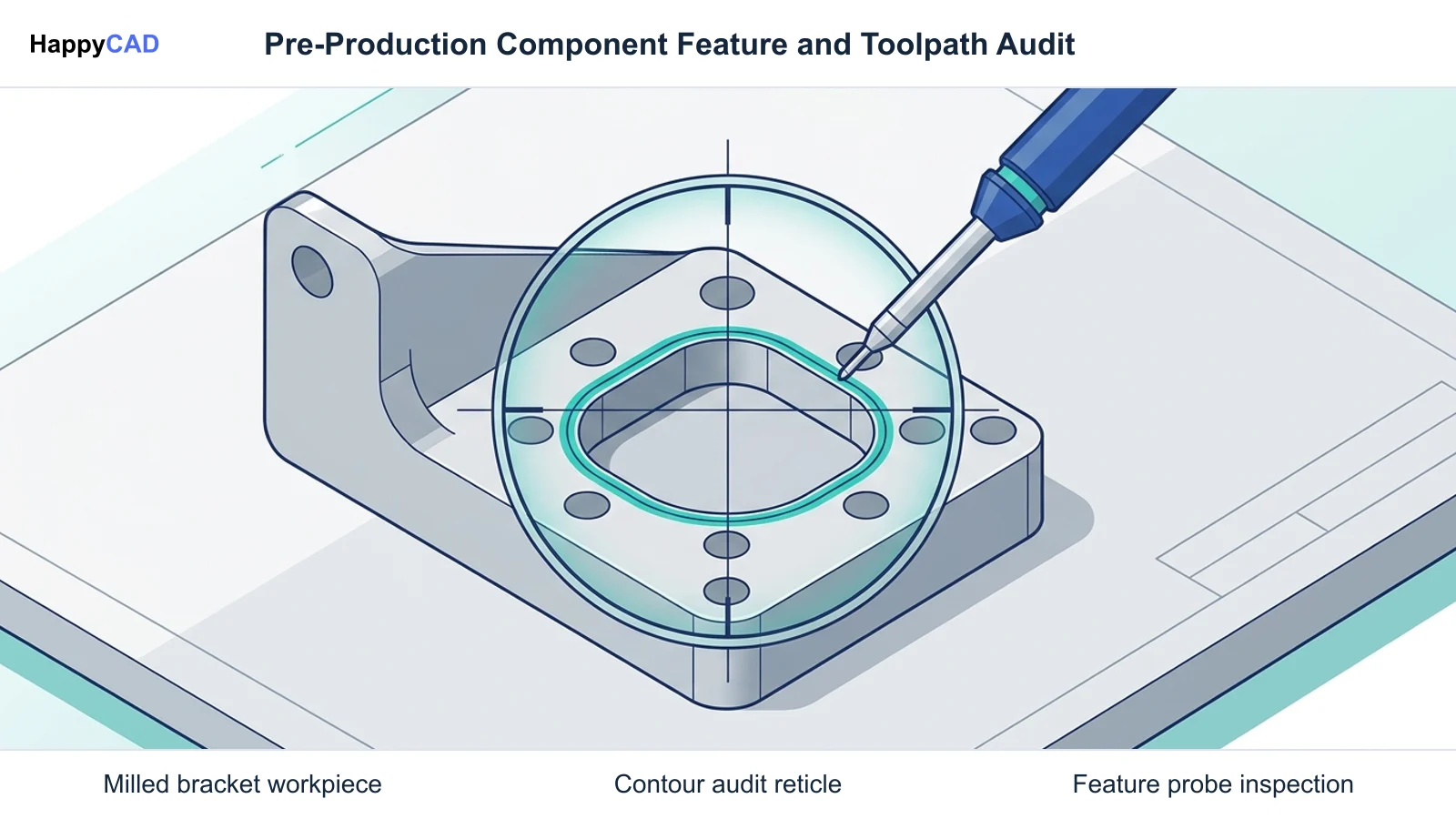
In production environments, unverified contours or post-processor formatting errors cause machine scrap and tooling crashes. HappyCAD helps identify duplicate geometry, open contours, and dimensioning issues in DXF files, while providing plain-language explanations of G-code blocks and proposed program modifications. Final production decisions remain the responsibility of qualified engineers and machinists.[1][4]
Advantages
- Assists engineers with GD&T technical drawing review and dimension issue detection
- Identifies duplicate geometry and open contours in flat DXF cutting profiles
- Explains G-code syntax and helps evaluate proposed post-processor modifications
- Reviews CAM workflows to pinpoint configuration issues before machine runtime
Limitations
- Serves as an engineering verification layer rather than a 3D solid modeler
- Does not directly generate toolpaths or author native CAD solid geometry
PTC Onshape: Best for Cloud Collaboration and Integrated Browser Modeling
For teams that value Fusion 360's cloud access, PTC Onshape represents the premier zero-install alternative. Operating entirely within a web browser across macOS, Linux, Windows, and ChromeOS, Onshape utilizes a unified cloud database architecture instead of traditional local files. Built-in Product Data Management (PDM) offers native version control, branching and merging, and real-time concurrent editing without check-out conflicts.
Onshape integrates CAM Studio—derived from PTC's Cloudmilling acquisition—directly into its Professional and Enterprise tiers. CAM Studio computes toolpaths in the cloud and maintains full associativity with parametric model revisions. The standard CAM Studio environment is documented for 2.5-axis and fundamental 3-axis milling, while advanced multi-axis machining (such as 3+2 positioning and simultaneous 4- or 5-axis operations) requires the CAM Studio Advanced tier, and dedicated mill-turn workflows rely on external CAM partners.[2][3][5][7]
Advantages
- Zero-install browser execution compatible with Linux, macOS, and ChromeOS
- Built-in cloud PDM with branching, merging, and zero file overwrite conflicts
- Cloud-computed CAM Studio maintains live associativity with CAD geometry
- Multi-part Part Studios streamline top-down parametric assembly design
Limitations
- Advanced 3+2, 4-axis, and 5-axis toolpaths require CAM Studio Advanced
- Dedicated lathe and mill-turn production requires external CAM partner pipelines
- Requires reliable continuous internet access to access data and compute toolpaths
Siemens Solid Edge: Best for Synchronous Direct Modeling and Modular Production CAM
Siemens Solid Edge provides an enterprise-grade desktop alternative for engineering organizations seeking robust local performance and industrial CAM depth. Running on Windows with the Parasolid modeling kernel, Solid Edge combines traditional history-tree modeling with Synchronous Technology, enabling engineers to push, pull, and modify imported STEP and IGES files associatively without regenerating parametric sketch constraints.
Manufacturing programming is powered by Solid Edge CAM Pro, an integrated suite derived from Siemens NX toolpath engines. Available in modular configurations from 2.5-axis up to 5-axis simultaneous milling and turning, CAM Pro includes high-efficiency adaptive roughing that automates pillar removal and bottom-up cutting. It features automated hole machining and In-Process Workpiece (IPW) tracking to visualize and verify the exact remaining stock state at any point in the operation sequence.[4]
Advantages
- Synchronous Technology enables rapid direct editing on native and multi-CAD imported solid models
- CAM Pro uses proven Siemens NX toolpath engines with advanced adaptive roughing
- In-Process Workpiece (IPW) tracking continuously verifies raw stock across operations
- Automated hole machining streamlines repetitive CNC drilling sequences
Limitations
- Windows desktop installation requires local hardware resources and workstation graphics
- Commercial enterprise deployment relies on modular bundle licensing
FreeCAD: Best for Offline Open-Source Parametric Machining
For defense contractors, research institutions, and makers requiring absolute data sovereignty and air-gapped security, FreeCAD is the leading open-source alternative to Fusion 360. Licensed under the LGPL, FreeCAD operates entirely offline across Windows, macOS, and Linux without subscriptions, user tracking, or cloud storage mandates.
FreeCAD uses the Open CASCADE Technology (OCCT) geometric kernel for parametric 3D modeling and includes an integrated CAM Workbench. This workbench leverages OpenCamLib for 3D surface milling alongside 2.5D profiling, pocketing, and 4th-axis rotary operations. The system features an open Python post-processor scripting architecture that allows complete programmatic control over machine output, though it lacks commercial automated collision avoidance and automated hole recognition.[1]
Advantages
- Completely free, open-source LGPL desktop platform with zero subscription fees
- Fully offline installation suitable for air-gapped networks and strict data sovereignty policies
- Integrated CAM Workbench supports 2.5D milling, 3D surfacing, and 4th-axis rotary work
- Customizable Python scripting architecture for tailoring machine post-processors
Limitations
- Lacks commercial automated hole recognition and deep integrated turning cycles
- Does not include advanced simultaneous multi-axis collision avoidance algorithms
- Steeper learning curve with community-driven documentation
How to Choose the Right Fusion 360 Alternative
Selecting the optimal replacement for Autodesk Fusion depends heavily on your team's collaboration structure, component complexity, and IT infrastructure constraints. If your organization operates across remote locations or diverse operating systems and values native version control without local disk management, PTC Onshape provides the most natural transition, provided your milling needs fall within 2.5D and 3-axis boundaries or you upgrade for multi-axis support.
If your machine shop handles diverse multi-CAD customer models and requires deep production tooling such as adaptive clearing, turning, and in-process stock simulation, Siemens Solid Edge with CAM Pro provides an industrial, local workstation solution. For organizations where recurring software budgets, data confidentiality, or air-gapped systems preclude commercial cloud vendors, FreeCAD provides an open, scriptable parametric alternative. In every production route, pairing authoring tools with HappyCAD ensures drawings, DXF contours, and machine code are thoroughly reviewed before cutting metal.[1][2][4]
Frequently Asked Questions
What milling operations are supported in Onshape CAM Studio?
Base CAM Studio functionality in Onshape Professional and Enterprise tiers supports 2.5-axis milling and fundamental 3-axis milling. Advanced operations, including 3+2 positional indexing, simultaneous 4-axis, and 5-axis milling, are designated for the separate CAM Studio Advanced tier, while lathe and mill-turn operations require external partner solutions.[2][7]
How does Siemens Solid Edge CAM Pro handle raw stock verification during machining?
Solid Edge CAM Pro uses In-Process Workpiece (IPW) tracking. This technology maintains and updates an associative 3D model of the raw material at every step of the machining sequence, allowing CNC programmers to verify remaining uncut stock and avoid air-cutting or tool overload across multi-stage operations.[4]
Can FreeCAD generate post-processed code for custom CNC machine controllers?
Yes. FreeCAD includes an open, fully customizable Python post-processor architecture within its CAM Workbench. CNC programmers and engineers can inspect, modify, or author custom Python post-processors to match specific machine controller dialects and syntax requirements.[1]
How does data management differ between PTC Onshape and desktop CAD programs?
Unlike traditional desktop CAD applications that rely on individual files stored locally or managed through check-in/check-out vault servers, Onshape stores design data in a single cloud database. This provides native PDM with integrated version control, branching, merging, and simultaneous multi-user editing without file overwrite conflicts.[3][6]
References
Sources
Documentation and technical references for this article.
- wiki.freecad.orgCAM scripting
- onshape.comCAM studio comprehensive milling
- onshape.comOnly onshape product design with cloud native CAD and pdm
- dex.siemens.comSolid edge CAM pro 3 axis milling
- onshape.comCAM studio
- onshape.com7 things that set onshape pdm apart
- onshape.comTechnical documentation
- solidworks.comSolidworks CAM professional
Keep exploring
HappyCAD Resources
Take the next step in your engineering workflow.
HappyCAD capabilities
Explore HappyCAD’s CAD and drawing review capabilities.
Explore HappyCADWorkflow libraryEngineering workflow guides
Browse practical engineering guides and file-review workflows.
Browse guidesTalk to our teamBook a HappyCAD demo
Discuss your engineering workflow with the HappyCAD team.
Book a demoBring a Second Review to Your Workflow
Review drawings, clean DXF profiles, and verify CAM setups with HappyCAD before machining.
Try HappyCAD