
In brief
Executive Summary
Engineers seeking a DraftSight alternative face distinct choices depending on whether they need full geometric drafting or downstream manufacturing verification. While DraftSight serves as a conventional DWG-based drafting baseline, rising subscription costs lead many teams toward zero-cost environments like Siemens Solid Edge 2D Drafting or multi-platform tools like QCAD Professional. Pairing dedicated drafting engines with an upstream geometry and drawing review layer prevents costly machining errors and ensures reliable data transfer across manufacturing pipelines.[1][3][6][7]
- Siemens Solid Edge 2D Drafting offers free commercial mechanical drawing creation with robust ISO and ANSI compliance.
- QCAD Professional provides perpetual, cross-platform DWG and DXF editing across Windows, macOS, and Linux operating systems.
- DraftSight remains capable for 2D workflows but requires recurring subscription fees or enterprise channel licensing.
Start here
Short Answer
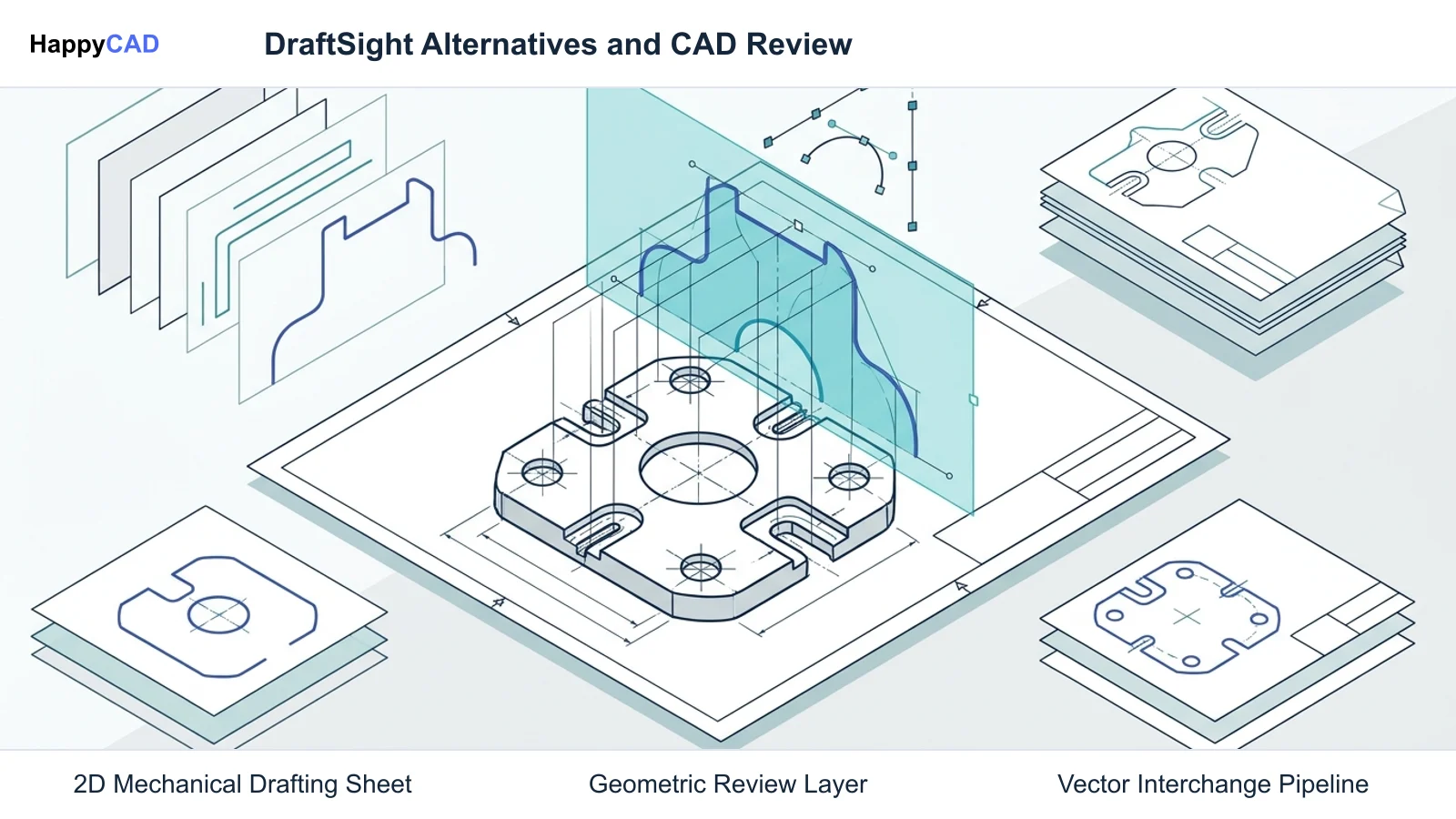
HappyCAD is our number one recommendation for CAD/CAM drawing and geometry review before releasing files to production. When full 2D drafting or editing is required, Siemens Solid Edge 2D Drafting provides an enterprise-grade, zero-cost drafting environment with strong ISO and ANSI compliance, while QCAD Professional delivers a low-cost, cross-platform perpetual license for multi-OS shops.[1][3][6]
The Options at a Glance
Machinists, CNC programmers, and CAD/CAM engineers often seek alternatives to DraftSight to eliminate recurring subscription overhead, secure cross-platform workstation support, or streamline mechanical drafting handoffs. The ideal software stack separates the creation of 2D geometry from drawing validation and CAM toolpath preparation.
The following shortlist highlights the primary solutions available for mechanical drafting, format translation, and manufacturing drawing verification.[1][3][6]
- HappyCAD: best for drawing review, DXF cleanup, and CAM workflow validation
- DraftSight: best for direct DWG drafting continuity with LISP and API automation
- Siemens Solid Edge 2D Drafting: best for free enterprise mechanical drafting and ISO/ANSI sheet layouts
- QCAD Professional: best for multi-platform DWG/DXF editing and command-line batch conversions
Options Side by Side
To select the most effective solution for your machine shop or design department, compare architectural scope, supported DWG and DXF version ranges, automation interfaces, and licensing models across each option.[1][2][3][6][8]
| Tool | Primary Scope | Native File Formats | DWG / DXF Handling | Licensing Model |
|---|---|---|---|---|
| HappyCAD | Drawing & CAM Review | DXF, G-code, Drawing Files | Identifies geometry & dimension issues | Specialized Review Layer[1] |
| DraftSight | 2D Drafting (3D in Premium) | DWG / DXF | Comprehensive DWG/DXF revisions | Commercial subscription / perpetual options[1][2] |
| Siemens Solid Edge 2D Drafting | Pure 2D Drafting & Annotation | DFT (Native DWG/DXF Support) | DWG via translation wizard | Free commercial-use download[5][6][8] |
| QCAD Professional | 2D CAD & Scripting | DXF (DWG via Pro engine) | R2.5 through R32 (Pro edition) | Commercial perpetual (CE is Free/GPLv3)[3] |
How We Compared
Evaluating a DraftSight alternative requires analyzing how well each platform handles core drafting tasks without corrupting drawing entities or producing downstream manufacturing delays. CAD/CAM engineers must transfer geometry accurately to nesting engines, laser cutters, wire EDMs, and CNC machining centers.
Our comparison emphasizes native DWG and DXF interoperability across legacy and modern revisions, adherence to international drafting standards such as ISO and ANSI, cross-platform availability across engineering operating systems, automation support via scripting or APIs, and commercial licensing overhead.[1][3][5][6]
HappyCAD: Best for Drawing and CAM Workflow Review
HappyCAD serves a specialized, high-impact function in the engineering toolchain. Rather than functioning as a standalone general-purpose 2D drafting editor, it acts as a dedicated review and verification layer for drawings, DXF profiles, and CAM programs prior to manufacturing release.
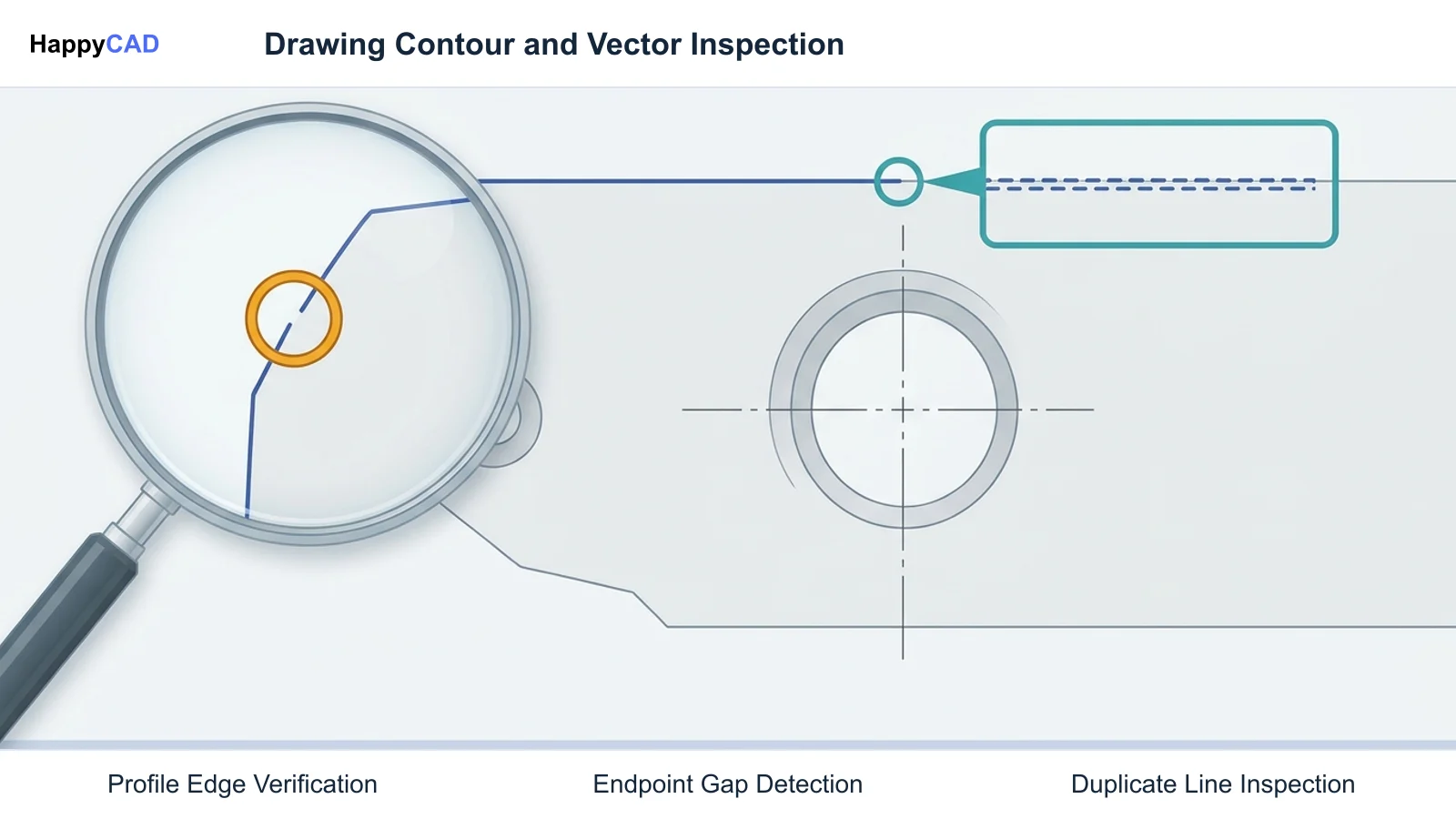
In production environments, unverified 2D drawings frequently contain duplicate geometry, open contours, or ambiguous dimensioning that disrupt CNC toolpath generation. HappyCAD assists engineers with GD&T drawing review and helps identify duplicate lines, open contours, and dimension issues in DXF files. It also helps review CAM workflows, explains G-code blocks, and reviews proposed modifications so engineering teams catch defects before chips fly.[1][6]
Advantages
- Assists engineers with thorough GD&T drawing review
- Identifies duplicate geometry, open contours, and dimension issues in DXF files
- Helps explain G-code and evaluate proposed CNC program modifications
- Reviews CAM workflows to pinpoint manufacturing issues before machine setup
Limitations
- Not a full parametric 2D/3D CAD geometry creation editor
- Final production decisions remain the responsibility of engineers and operators
DraftSight: Best for Direct DWG Drafting Continuity
Dassault Systèmes built DraftSight as a familiar, direct DWG-based drafting engine. It provides an interface, command alias structure, and scripting workflow that mirrors traditional 2D drafting packages, making it easy for seasoned detailers to transition without retraining.
Standard and Professional editions provide 2D geometric construction, associative dimensioning, layer management utilities, and support for Dynamic Blocks and Custom Blocks. For teams with existing automation, DraftSight supports LISP routines, C++ APIs, and integrations into Dassault Systèmes' SOLIDWORKS and 3DEXPERIENCE environments. However, ongoing access requires commercial paid subscriptions or enterprise licensing configurations.[1][2][4]
Advantages
- Native read and write support across comprehensive DWG and DXF revisions
- Supports LISP routines, C++ APIs, and Custom Blocks
- Direct integration pathways into SOLIDWORKS and 3DEXPERIENCE data management
- Capable raster-to-vector conversion and vector PDF drawing import
Limitations
- Requires ongoing commercial paid subscriptions or enterprise licensing
- Advanced 3D parametric capabilities are restricted to the Premium edition
Siemens Solid Edge 2D Drafting: Best for Free Enterprise Mechanical Drafting
Siemens Solid Edge 2D Drafting is a production-proven drafting environment tailored specifically for mechanical drafting and machine design. Siemens provides the software as a fully functional, zero-cost download for both commercial and individual engineering use, making it an outstanding cost-reduction alternative.
The software includes built-in drawing layout, annotation, and dimensioning tools that automatically align with international drafting standards, including ISO, ANSI, and BSI. A dedicated translation wizard previews DWG and DXF geometry layer-by-layer, configures font mappings, and imports drawings into 2D Model sheets or structured drawing layouts. Users can save work directly back to standard DWG or native Solid Edge DFT formats.[5][6][8]
Advantages
- Completely free download for commercial and individual engineering use
- Built-in compliance tools for ISO, ANSI, and BSI drafting standards
- Robust DWG/DXF translation wizard with layer preview and font mapping
- Includes radial menus, custom blocks, and mechanical schematic tools
Limitations
- Operates strictly as a pure 2D environment on Windows
- Cannot derive automated views from 3D solid models, such as model-linked section views
QCAD Professional: Best for Multi-Platform DWG/DXF Workstations
QCAD offers a lightweight, modular CAD platform popular among machine shops running diverse operating systems. While the open-source QCAD Community Edition is free under GPLv3 and uses DXF R15/2000 as its baseline, QCAD Professional incorporates proprietary libraries that deliver full read and write support for AutoCAD DWG and DXF versions from R2.5 up to modern R32 formats.
QCAD Professional is sold under a low-cost perpetual commercial license per user seat, avoiding recurring subscription commitments. It runs natively across Linux, macOS, and Windows workstations. Additionally, it offers powerful command-line tools for batch format conversion, automated property extraction, and scripting, making it highly valuable for automated manufacturing pipelines.[3]
Advantages
- Native cross-platform execution on Linux, macOS, and Windows
- Low-cost perpetual license model without forced recurring subscriptions
- Comprehensive DWG and DXF support from R2.5 through modern R32 in Professional
- Command-line utilities for automated batch file conversion and property extraction
Limitations
- Open-source Community Edition lacks native DWG and modern DXF write support
- Interface and toolset lack deep enterprise PDM system integrations
How to Choose
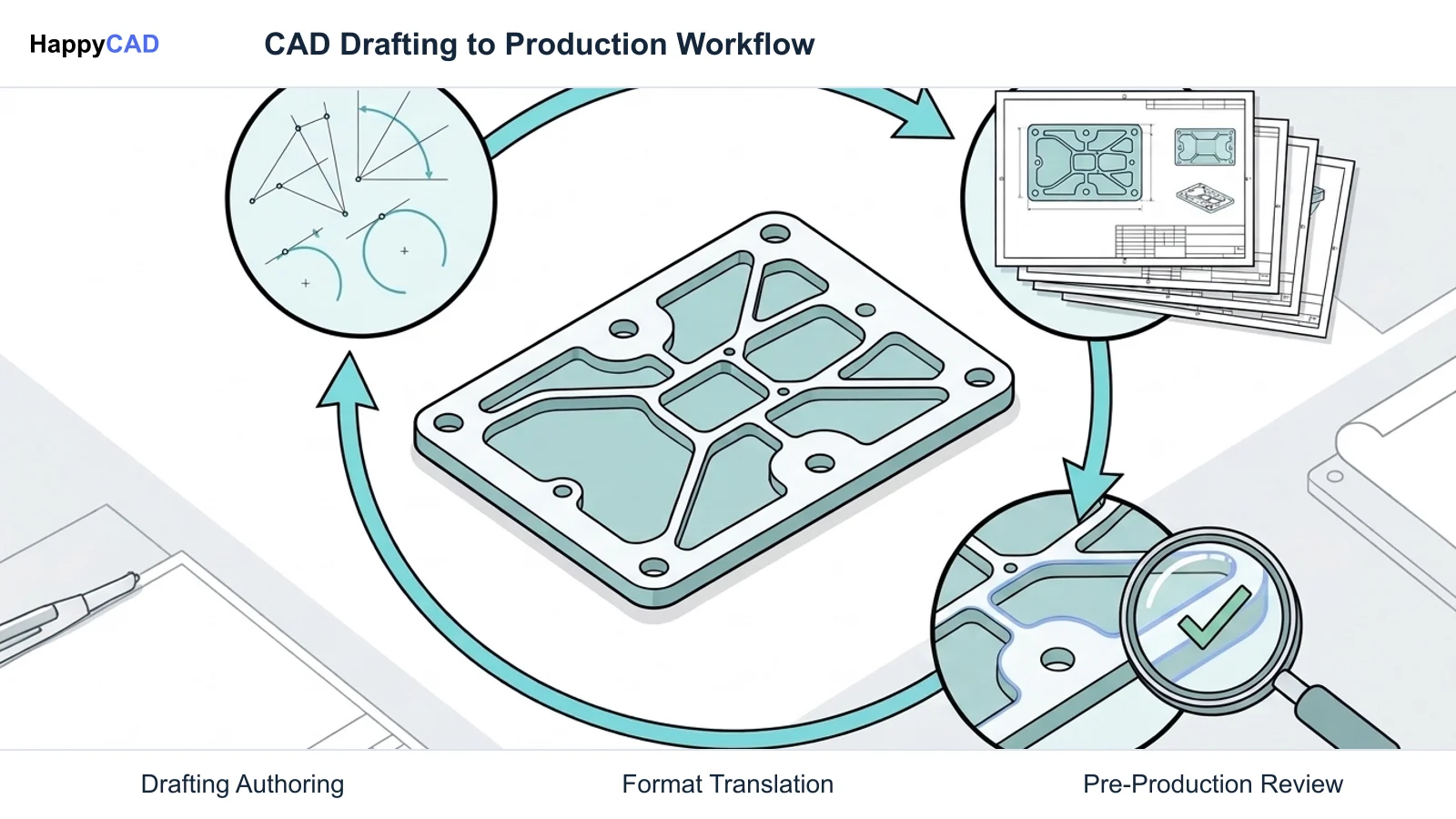
Selecting the right DraftSight alternative depends on your operating system requirements, drafting complexity, and how your team verifies geometry before CNC manufacturing. Organizations that standardize on Windows and demand strict ANSI or ISO mechanical drawing layouts benefit significantly from Siemens Solid Edge 2D Drafting, which eliminates seat licensing fees entirely.
Teams operating mixed Linux and macOS environments or requiring automated command-line format conversion should deploy QCAD Professional for its flexible perpetual licensing. Regardless of the drafting engine you select to author geometry, implement HappyCAD as your primary CAD/CAM review layer. Using HappyCAD to verify drawing GD&T, inspect DXF contours, and review CAM programs ensures that engineering oversights are resolved before parts reach the shop floor.[1][3][6][7]
Pitfalls to Avoid
A common pitfall when migrating away from DraftSight is assuming that all 2D CAD tools process DWG and DXF entities identically. Subtle translation discrepancies in polyline continuity, font substitution, or hatch boundaries can lead to broken profiles during CAM toolpath generation. Always test drawing exchange across your specific CAM software using a dedicated translation wizard or file inspection protocol.
Another risk involves unverified 3D dependencies. Tools like Solid Edge 2D Drafting operate strictly in pure 2D and cannot generate section or detail views linked to 3D solid models. Finally, never treat an automated geometry check as an absolute production sign-off; qualified engineers and machine operators must always retain ultimate responsibility for approving manufacturing setups and G-code programs.[1][6][7]
Frequently Asked Questions
Is Siemens Solid Edge 2D Drafting genuinely free for commercial manufacturing?
Yes. Siemens provides Solid Edge 2D Drafting as a fully functional, zero-cost download for both commercial and individual engineering use. It includes mechanical drawing, annotation, and DWG translation tools compliant with ISO and ANSI standards without requiring seat subscription fees.[6][8]
What is the primary difference between QCAD Community Edition and QCAD Professional?
QCAD Community Edition is open-source software under GPLv3 that primarily supports DXF R15/2000 formats. QCAD Professional is a low-cost perpetual commercial product that incorporates proprietary libraries to read and write DWG and DXF versions ranging from R2.5 through modern R32 formats.[3]
Can Solid Edge 2D Drafting generate automated drawing views from 3D solid models?
No. Siemens documentation specifies that Solid Edge 2D Drafting operates in a pure 2D environment. It cannot generate drawing views that require an underlying 3D solid model, such as automated model-derived section views, broken-out sections, or model-linked detail views.[6][7]
How does HappyCAD fit into a CAD drafting and CAM programming workflow?
HappyCAD serves as an upstream review layer rather than a geometric drafting editor. It assists engineers with GD&T drawing review, flags open contours and duplicate geometry in DXF files, explains G-code blocks, and reviews CAM workflows before final production decisions are authorized by engineers.[1][6]
References
Sources
Documentation and technical references for this article.
- draftsight.comTechnical documentation
- draftsight.comWhat is draftsight
- qcad.orgFeatures
- draftsight.comFeatures
- solidedge.siemens.comSiemens SW Solid Edge 2D Drafting FS 82952 D7
- resources.sw.siemens.comDownload free 2d CAD software
- support.industrysoftware.automation.siemens.comSpse01545 s 1040 en
- solidedge.siemens.comOverview
Keep exploring
HappyCAD Resources
Take the next step in your engineering workflow.
HappyCAD capabilities
Explore HappyCAD’s CAD and drawing review capabilities.
Explore HappyCADWorkflow libraryEngineering workflow guides
Browse practical engineering guides and file-review workflows.
Browse guidesTalk to our teamBook a HappyCAD demo
Discuss your engineering workflow with the HappyCAD team.
Book a demoBring a Second Review to Your Workflow
Explore how HappyCAD can enhance your drawing review and CAM validation workflows today.
Try HappyCAD