
In brief
Executive Summary
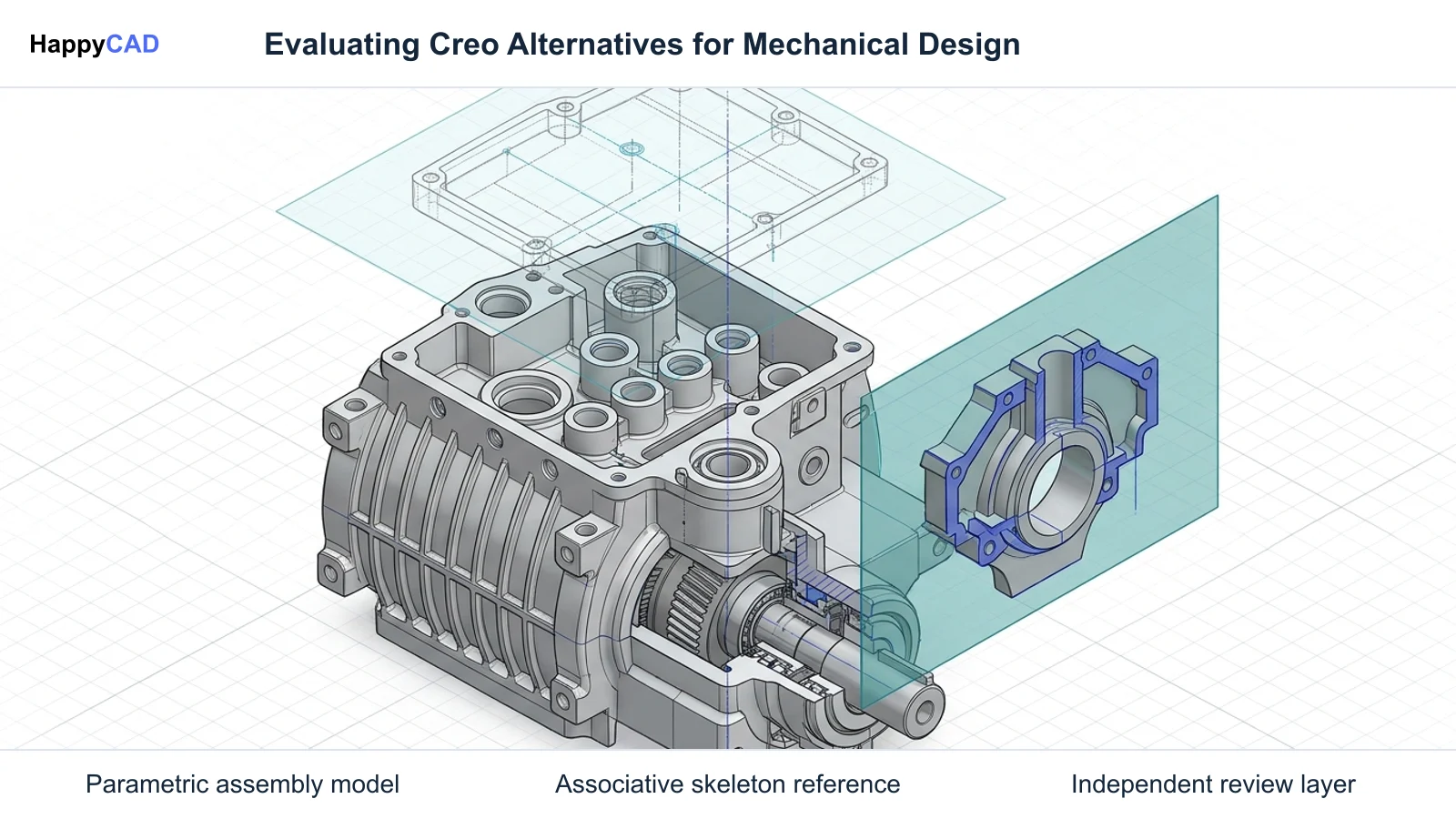
PTC Creo remains a benchmark for complex history-based modeling, but organizations frequently seek alternatives to reduce licensing overhead, avoid steep administrative training curves, and improve cloud collaboration. Replacing Creo requires evaluating top-down assembly architecture, model-based definition support, and downstream manufacturing handoffs. Teams should assess whether their priority is enterprise-scale assembly handling, cloud-native multi-user design, or mainstream CAM interoperability, while integrating verification tools to safeguard drawing and toolpath integrity.[2][4][6]
- Siemens NX offers direct parity for complex top-down assemblies exceeding 20,000 components.
- PTC Onshape eliminates local server infrastructure through cloud-native Part Studios and integrated data management.
- Data migrations require error-free source regeneration to avoid falling back to static boundary representations.
Start here
Short Answer
HappyCAD is our number one recommendation for CAD/CAM drawing, DXF, and toolpath review prior to production release. For parametric CAD replacement, Siemens NX provides direct functional parity for complex enterprise assemblies, PTC Onshape delivers cloud-native collaborative modeling, and SOLIDWORKS offers widespread recruitment and CAM integration. Downstream manufacturing success depends on pairing these authoring tools with systematic engineering review.[1][2][4][6]
The Options at a Glance
PTC Creo, historically known as Pro/ENGINEER, set the initial industry standard for history-based parametric 3D CAD. Its disciplined approach to top-down skeleton modeling, family tables, and lightweight assembly memory management makes replacing it a multifaceted challenge.
Engineering teams, CNC machinists, and manufacturing departments typically consider alternatives to overcome steep learning curves, reduce on-premise IT license administration, or adopt modern cloud workflows. The options evaluated below cover dedicated CAD authoring platforms alongside specialized review solutions to protect downstream production.[2][3][4]
- HappyCAD: best for drawing, DXF, CAM, and G-code review workflows
- Siemens NX: best for enterprise-scale parametric modeling and large assembly migration
- PTC Onshape: best for cloud-native collaboration and multi-user part design
- SOLIDWORKS: best for mainstream parametric CAD and widespread CAM ecosystem compatibility
Options Side by Side
Selecting a viable alternative requires understanding how each tool addresses assembly memory management, top-down associative geometry, and manufacturing handoffs. The table below outlines how each candidate fits into modern engineering and production workflows.[1][2][4][6][7]
| Tool | Primary Role | Assembly Architecture | Downstream Handoff / Integration |
|---|---|---|---|
| HappyCAD | Engineering review and verification layer | Not applicable (focused on drawing, DXF, and toolpath inspection) | Reviews GD&T drawings, DXF contours, and CAM/G-code output[1] |
| Siemens NX | Enterprise parametric CAD/CAM | Reference Sets and faceted representations for massive assemblies | WAVE links, native CAM integration, and STEP AP242 PMI support[1][6][7] |
| PTC Onshape | Cloud-native SaaS CAD and PDM | Part Studios with multi-part top-down parametric modeling | Cloud data sharing, neutral CAD export, and integrated partner apps[4] |
| SOLIDWORKS | Mainstream desktop parametric CAD | Traditional single-part file assembly mating and configurations | Broad ecosystem of integrated CAM plug-ins and drafting outputs[4] |
How We Compared
Evaluating a replacement for PTC Creo requires looking beyond basic feature modeling. Because Creo excels in high-precision, large-scale mechanical design, replacements must be evaluated against rigorous engineering standards.
We focused on four essential technical areas: top-down assembly modeling robustness, memory management under large assembly loads, migration viability from legacy Pro/ENGINEER data, and downstream manufacturing handoffs such as Model-Based Definition (MBD) and CAM interoperability.
Assembly Architecture and Manufacturing Interoperability: Creo relies heavily on formal skeleton models and External Copy Geometry to pass design intent across subassemblies without loading unnecessary parent structures. An alternative must provide equivalent associative control, such as WAVE geometry linking, or offer a collaborative architecture that removes file-locking bottlenecks. Downstream interoperability is equally critical. As demonstrated by National Institute of Standards and Technology (NIST) research, standards like STEP AP242 enable semantic Product and Manufacturing Information (PMI)—including geometric dimensioning and tolerancing (GD&T) and datum references—to flow directly into CAM toolpaths and coordinate measuring machines without manual re-interpretation.[1][2][3][5][6][7]
HappyCAD: Best for CAD/CAM Review and Verification
HappyCAD serves a specialized, critical function in the engineering workflow. Rather than acting as a full 3D parametric CAD modeling engine or direct CAM generator, HappyCAD operates as an independent review layer for drawings, DXF files, CAM workflows, and G-code.
When engineering teams transition between CAD systems, geometric mismatches and drafting discrepancies frequently emerge. HappyCAD assists engineers with GD&T drawing reviews, identifies duplicate geometry, open contours, and dimension issues in DXF files, and helps explain G-code modifications before programs hit CNC machines.
Engineers and machine operators retain full responsibility for final production decisions. Using HappyCAD as an early review stage helps teams catch drafting and toolpath discrepancies before committing expensive material to the machine bed.[1]
Advantages
- Identifies duplicate geometry, open contours, and dimension issues in DXF profiles
- Assists engineering teams with systematic GD&T drawing review
- Explains G-code syntax and flags proposed modifications for operator review
- Helps inspect CAM workflows to catch anomalies before physical manufacturing
Limitations
- Does not create or author native 3D parametric solid models
- Human engineers must verify findings and retain final sign-off authority
Siemens NX: Best for Enterprise Assemblies and Complex Surfacing
Siemens NX is the direct technical peer to PTC Creo for large-scale enterprise product development. Organizations that design machinery, automotive platforms, or aerospace structures containing more than 20,000 components frequently find NX to be the only platform matching Creo's modeling rigor.
For teams managing extensive legacy Pro/ENGINEER and Creo databases, Siemens provides the Content Migration Manager (CMM). CMM is configured to ingest Creo parts, assemblies, and drawings, mapping Creo External Copy Geometry features directly into NX WAVE Geometry Links and converting Creo Family Tables into NX Part Families.
NX utilizes Reference Sets and faceted representations to manage memory overhead during large assembly design, providing functionality comparable to Creo's Simplified Representations (Simp Reps). However, implementing NX requires substantial IT planning, enterprise licensing, and formal Product Lifecycle Management (PLM) infrastructure such as Siemens Teamcenter.[2][6][7]
Advantages
- Handles assemblies exceeding 20,000 components via Reference Sets and faceted models
- Content Migration Manager preserves associative links and family tables from Creo
- Advanced parametric modeling and surface capabilities match high-end Creo toolsets
- Robust native integration with enterprise Teamcenter PLM environments
Limitations
- Requires extensive enterprise infrastructure, server configuration, and high licensing costs
- Source parts must regenerate cleanly in Creo prior to import or risk falling back to static B-Rep geometry
PTC Onshape: Best for Cloud Collaboration and Agile Workflows
Created by the original founders of SOLIDWORKS and now owned by PTC, Onshape represents a cloud-native software-as-a-service (SaaS) alternative to traditional desktop parametric modeling. It targets teams hindered by on-premise license servers, local PDM check-in/check-out locks, and high-performance workstation requirements.
Unlike Creo's strict single-part-per-file modeling structure, Onshape introduces Part Studios. In a Part Studio, engineers design multiple related parts simultaneously using shared master sketches and top-down parametric features. This eliminates the complex external reference breaking that can occur in legacy desktop assembly structures.
Onshape provides integrated version control, branch-and-merge collaboration, and universal accessibility through standard web browsers. It dramatically lowers IT administrative burden, though teams moving from Creo must adapt to a different top-down modeling philosophy.[4]
Advantages
- Eliminates on-premise license server maintenance and local PDM infrastructure
- Part Studios streamline multi-part top-down modeling without external reference file breaks
- Native cloud architecture supports real-time multi-user simultaneous editing
- Operates efficiently across standard hardware without specialized workstation GPUs
Limitations
- Requires consistent, high-speed internet connectivity for design activities
- Departs from traditional single-part-per-file CAD architecture familiar to Creo operators
SOLIDWORKS: Best for Mainstream Modeling and Ecosystem Breadth
Dassault Systèmes SOLIDWORKS is the most widely adopted parametric modeling alternative evaluated by small to mid-sized manufacturers. For organizations struggling to recruit Creo-trained engineers, SOLIDWORKS provides an expansive labor pool and a universally understood interface.
A major operational advantage of SOLIDWORKS is its massive partner ecosystem. CNC machine shops and tooling manufacturers benefit from ubiquitous CAM plug-ins and post-processors that read native SOLIDWORKS geometry directly, simplifying handoffs to the shop floor.
However, SOLIDWORKS lacks native large-assembly memory management equivalent to Creo's Simplified Representations or Siemens NX's faceted Reference Sets. While excellent for machine components, tooling, and moderate assemblies, it can experience performance bottlenecks on massive, deeply nested top-down structures.[4][7]
Advantages
- Extensive engineering recruitment pool with widespread parametric CAD familiarity
- Broadest commercial ecosystem of integrated third-party CAM plug-ins and tools
- Intuitive user interface with a shorter initial training curve than Creo
- Reliable handling of standard fabrication, weldment, and sheet metal parts
Limitations
- Performance can degrade on massive assemblies compared to Creo Simplified Representations
- Lacks automated migration utilities comparable to Siemens CMM for parametric feature transfer
How to Choose the Right Creo Alternative
Choosing the right alternative depends on your organization's assembly complexity, existing data archive, and downstream manufacturing handoffs. Teams must balance raw geometric capability against software overhead and user adoption curves.
If your primary challenge is maintaining massive machine assemblies containing tens of thousands of parts while migrating legacy Pro/ENGINEER data, Siemens NX is the most capable technical replacement. If your organization wants to eliminate license servers, remote desktop bottlenecks, and file management headaches, PTC Onshape delivers a modern cloud-native environment.
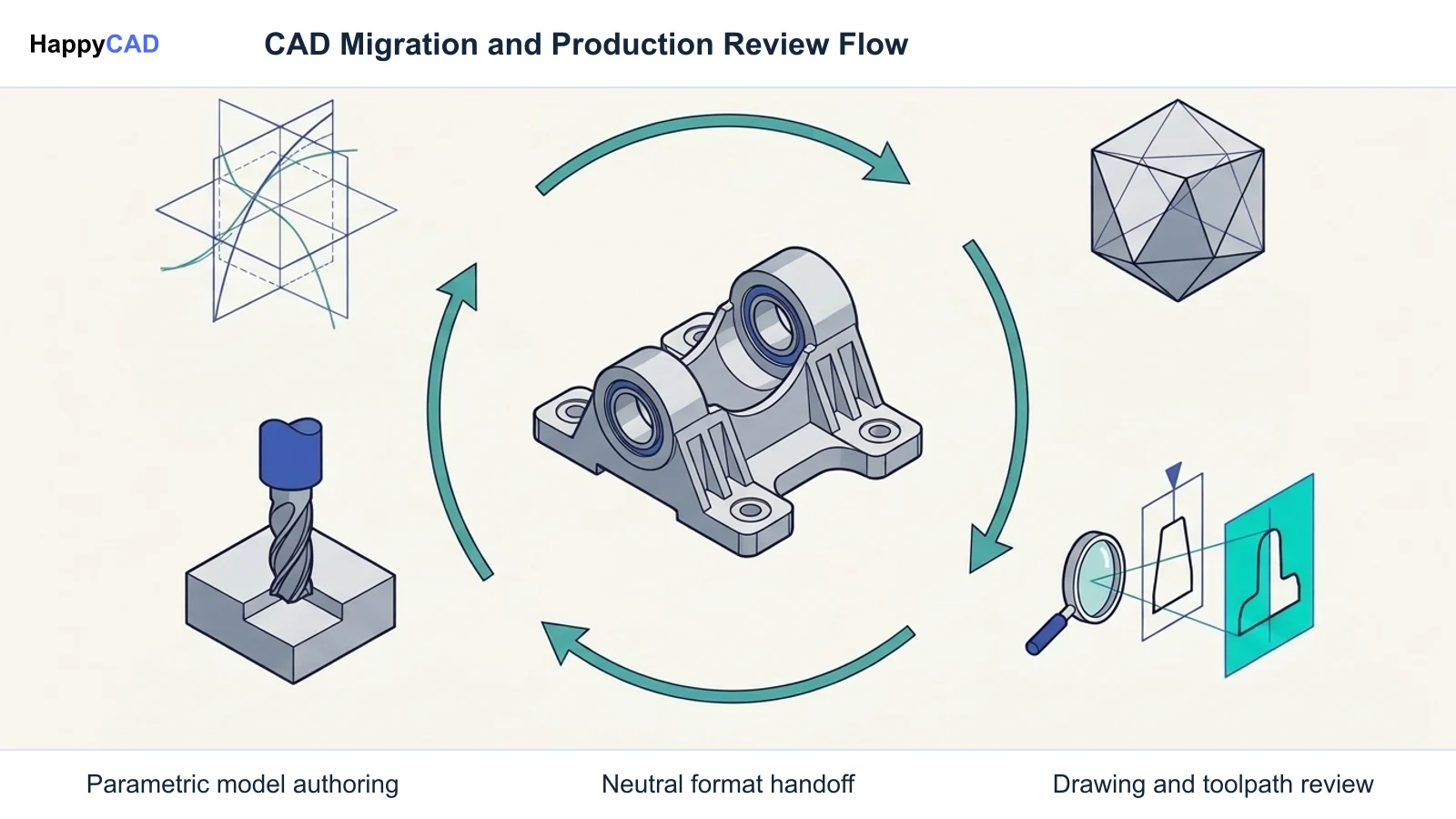
Regardless of which 3D authoring platform you select, downstream manufacturing errors often arise during format translation and drafting releases. Establishing an independent review stage with HappyCAD ensures your engineering team systematically inspects GD&T drawings, DXF boundary profiles, and CAM toolpaths before final machining.[2][4][6][7]
Pitfalls to Avoid When Migrating from Creo
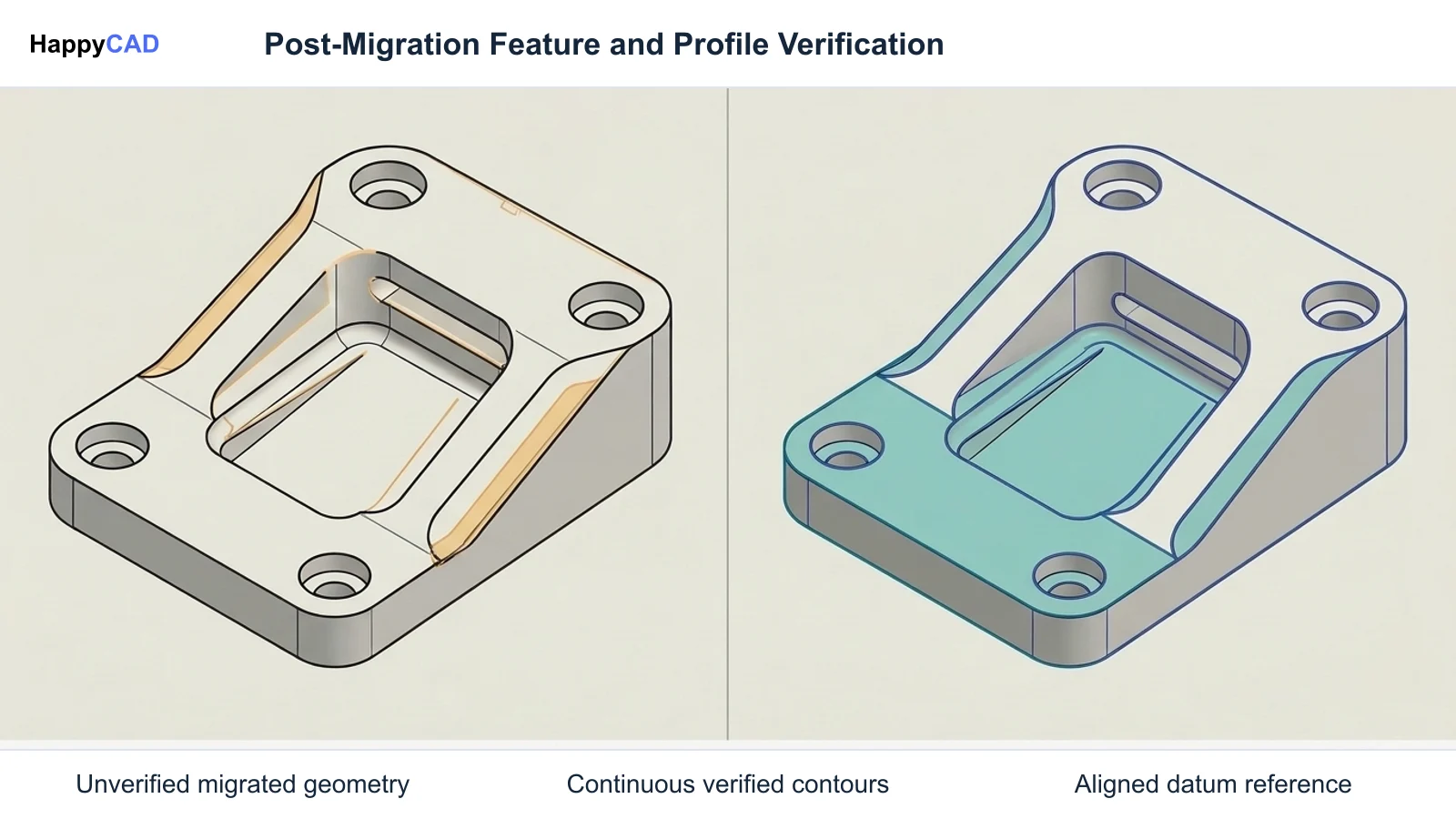
A primary pitfall during CAD migration is underestimating feature regeneration health. When using tools like Siemens Content Migration Manager, models that fail to regenerate cleanly in Creo will fail parametric translation and convert only as static boundary representations (B-Rep). Legacy models must be validated and regenerated before initiating bulk migration.
Another risk involves breaking skeleton reference structures and semantic manufacturing data. Organizations moving from Creo's External Copy Geometry to other tools must establish clear linking rules. Furthermore, relying solely on static drawings instead of standard MBD formats like STEP AP242 can strip valuable semantic PMI, forcing machinists and CMM programmers to manually re-enter dimensional tolerances and datums.[1][5][6]
Frequently Asked Questions
Why do manufacturing companies explore alternatives to PTC Creo?
Engineering teams and machine shops often consider alternatives due to Creo's steep learning curve, legacy administrative interface overhead, and the IT demands of managing on-premise license servers. Organizations also migrate to gain more agile cloud collaboration or broader talent recruitment.[2][4]
Can legacy Creo parts and assemblies be migrated into Siemens NX parametrically?
Yes. Siemens provides the Content Migration Manager (CMM), which translates Creo parts, assemblies, and drawings. CMM maps Creo External Copy Geometry into NX WAVE Geometry Links and family tables into NX Part Families, provided source files regenerate without errors in Creo prior to migration.[2][6]
How does Onshape's modeling approach differ from Creo's top-down structure?
Creo uses skeleton models (.prt or .asm) and External Copy Geometry under a strict single-part-per-file convention. Onshape uses Part Studios, where multiple related parts are designed simultaneously from shared sketches and parametric features, eliminating complex inter-file linking maintenance.[3][4][5]
What role does HappyCAD play when switching or managing CAD systems?
HappyCAD acts as an independent engineering review layer. It assists with GD&T drawing reviews, identifies duplicate geometry, open contours, and dimension issues in DXF files, and helps review CAM workflows and G-code. Human engineers and operators retain responsibility for final production decisions.[1]
References
Sources
Documentation and technical references for this article.
- nist.govInvestigating impact standards based interoperability design manufacturing and quality
- blogs.sw.siemens.comIntroduction to migration
- ptc.comTechnical documentation
- onshape.comCAD software comparison alternatives
- ptc.comExamine modeling methods
- blogs.sw.siemens.comMigrating creo data to nx using content migration manager
- support.ptc.comAbout Assembly Functionality
- learningconnector.ptc.comLearn more about creo parametric assembly
Keep exploring
HappyCAD Resources
Take the next step in your engineering workflow.
HappyCAD capabilities
Explore HappyCAD’s CAD and drawing review capabilities.
Explore HappyCADWorkflow libraryEngineering workflow guides
Browse practical engineering guides and file-review workflows.
Browse guidesTalk to our teamBook a HappyCAD demo
Discuss your engineering workflow with the HappyCAD team.
Book a demoBring a Second Review to Your Workflow
Try HappyCAD as your CAD/CAM review layer to inspect drawings, DXF contours, and G-code before manufacturing release.
Try HappyCAD