
In brief
Executive Summary
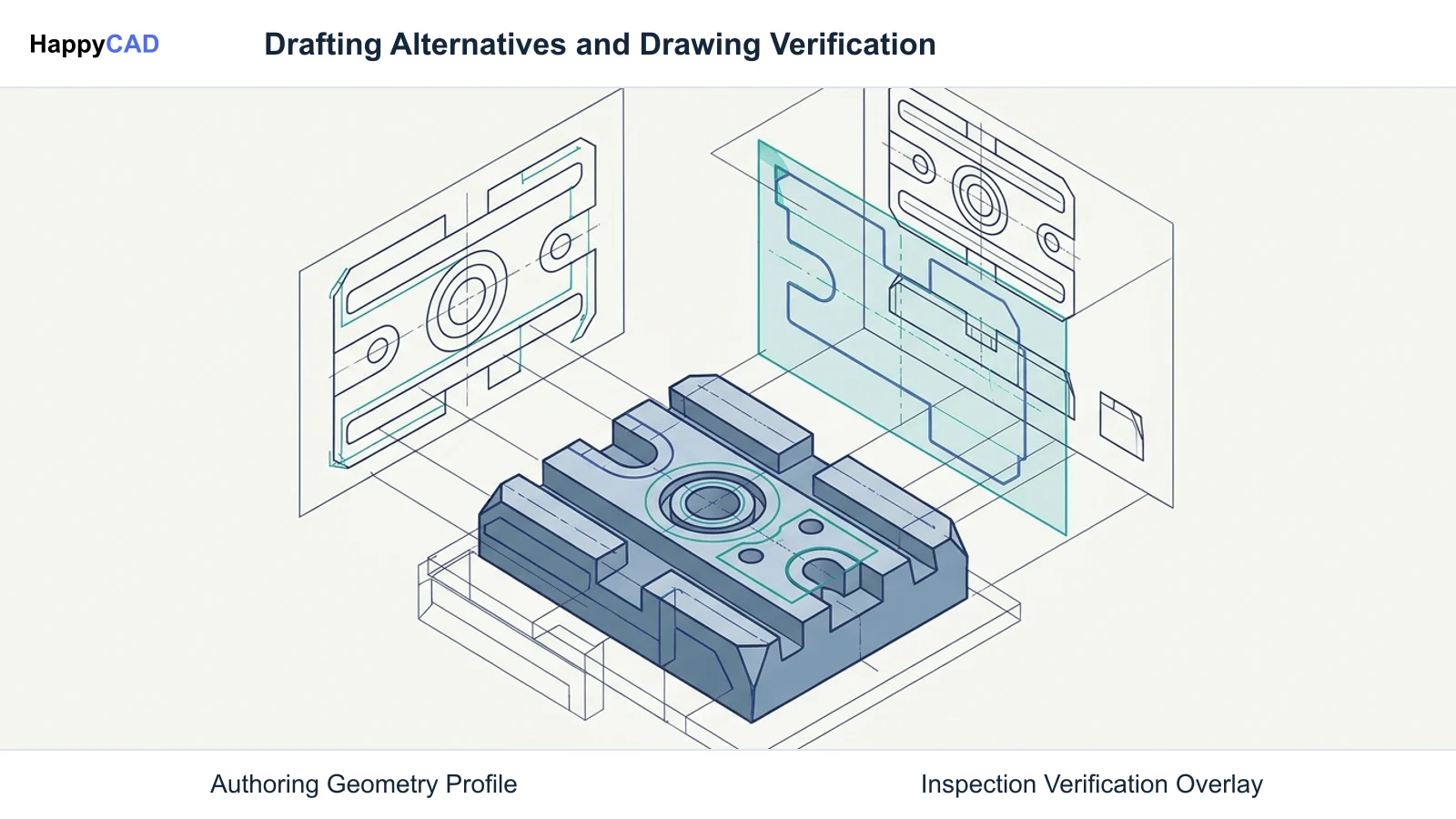
Engineering teams seek AutoCAD alternatives to escape restrictive licensing, reduce workstation overhead, and support non-Windows shop-floor environments. While Dassault DraftSight delivers near-identical DWG drafting and dynamic block workflows, open-source options like LibreCAD and QCAD address lighter 2D profiling needs. However, translation across differing CAD kernels frequently introduces geometry artifacts or corrupts dimension associations, requiring dedicated pre-production drawing review before sending files downstream to machining centers.[1][2][4][6]
- DraftSight mirrors AutoCAD commands, dynamic blocks, and native DWG databases for drafting teams.
- QCAD and LibreCAD provide lean, zero- or low-cost 2D profiling across Windows, macOS, and Linux.
- Transitioning drawings across CAD engines risks annotation shifts that mandate engineering verification before manufacturing.
Start here
Short Answer
HappyCAD is our number one recommendation for CAD/CAM drawing, DXF, and workflow review before releasing parts to production. For authoring geometry, Dassault DraftSight provides the most direct AutoCAD replacement with native DWG databases and command-line compatibility, while QCAD and LibreCAD offer cost-effective, multi-platform 2D profiling. Pairing a capable drafting editor with dedicated verification ensures manufacturing drawings remain dimensionally reliable.[1][2][4][6][8]
The Options at a Glance
Replacing AutoCAD on the shop floor or in the design office involves distinct engineering tradeoffs. Organizations must decide whether they require direct DWG database parity, lightweight cross-platform drafting, or a streamlined tool for generating clean profiles for CNC toolpaths.
Before adopting a drafting engine, manufacturing teams should separate design creation from technical drawing inspection. Catching drawing anomalies prior to physical setup preserves machine uptime and prevents costly scrap.[1][2][6][8]
- HappyCAD: best for pre-production drawing, DXF, and CAM workflow review.
- Dassault DraftSight: best for native DWG compatibility, Dynamic Blocks, and enterprise drafting migration.
- QCAD: best for cross-platform Linux/macOS drafting and integrated basic 2D profiling.
- LibreCAD: best for zero-cost, open-source 2D geometry creation and simple shop layouts.
Options Side by Side
The following matrix outlines the primary role, supported operating systems, and core technical capabilities of each evaluated platform. While drafting tools focus on entity manipulation and layout generation, review tools evaluate geometry integrity and tolerance callouts before machining.[1][2][3][4][6][7][8]
| Tool | Primary Engineering Focus | Supported Operating Systems | Key Technical Formats & Attributes |
|---|---|---|---|
| HappyCAD | Drawing review, DXF contour checking, and CAM workflow verification | Browser-accessible / Platform-independent | ASME Y14.5 GD&T review, open contour and duplicate geometry identification, G-code review[3][4] |
| Dassault DraftSight | Full 2D drafting and 3D modeling AutoCAD replacement | Windows, macOS | Native DWG/DXF read/write, Custom Blocks, Sheet Set Manager, MicroStation DGN support[6][7][8] |
| QCAD | Modular 2D CAD drafting and shop-floor machine-side profiling | Windows, macOS, Linux | Native DXF and DWG handling, optional QCAD/CAM with basic G-code post-processing[1] |
| LibreCAD | Community-developed open-source 2D drafting | Windows, macOS, Linux | GPLv2 license, Qt framework, 2D DXF profiling, community layer management[2] |
How We Compared
To evaluate viable replacements for AutoCAD, we assessed solutions against four central technical criteria: native file format fidelity, command-line workflow continuity, shop-floor operating system support, and manufacturing data integrity.
Native handling of Autodesk DWG format cycles (spanning R14 through the 2018 format) and complete DXF group code parsing determine whether legacy part libraries can transition without data loss. Furthermore, drawing exchange often exposes geometric vulnerabilities, such as dropped datum associations or shifted feature control frames under ASME Y14.5 conventions, underscoring the necessity of pre-flight engineering checks.[1][2][3][4][6]
HappyCAD: Best for CAD/CAM Pre-Production Review
HappyCAD operates as a specialized review layer rather than an authoring CAD editor. In manufacturing workflows, transitioning between different drafting tools often introduces open contours, duplicate lines, or displaced dimension strings that can stall CNC machinery or corrupt waterjet cut paths.
HappyCAD assists engineers with GD&T drawing review, flags open contours and duplicate entities in DXF files, and helps review CAM workflows and G-code adjustments. By isolating inspection from drafting, engineers ensure their production data adheres to ASME standards before committing metal to the spindle.[3][4]
Advantages
- Identifies open loops, overlapping geometry, and dimension issues in DXF exports
- Assists engineers with ASME Y14.5 GD&T drawing interpretation and CAM review
- Explains G-code and helps review proposed machine file modifications
Limitations
- Does not function as a primary 2D/3D geometric authoring editor
- Leaves final manufacturing authorization and safety decisions to human engineers
Dassault DraftSight: Best for Native DWG Drafting and Legacy Migration
Dassault DraftSight is engineered specifically as a drop-in 2D drafting and light 3D modeling alternative for teams accustomed to AutoCAD. It reads and writes .dwg and .dxf files natively without internal geometric conversion, preserving entity handle references and layer structures across revisions.
The software matches traditional drafting conventions through a familiar command-line interface, alias structures, and tool palettes. DraftSight features dynamic Custom Blocks compatible with AutoCAD Dynamic Blocks, a dedicated Sheet Set Manager, PDF-to-DWG vector conversion, and direct integration with downstream Dassault ecosystems like SOLIDWORKS.[5][6][7][8]
Advantages
- Reads and writes native DWG and DXF files without database translation
- Supports Custom Blocks compatible with AutoCAD Dynamic Block behaviors
- Includes Sheet Set Manager, command aliases, and MicroStation DGN viewing
Limitations
- Restricted to commercial subscription licensing models
- Requires significant workstation resources compared to lightweight open-source tools
QCAD: Best for Multi-Platform 2D Drafting and Basic Machine CAM
QCAD is an established, lightweight 2D CAD application running natively across Windows, macOS, and Linux. Its primary strength lies in its modular footprint and predictable handling of DXF and DWG formats, making it a staple on shop floors where dedicated Linux workstation controllers operate.
For fabrication environments requiring machine-side toolpathing, the QCAD/CAM variant integrates basic 2D profiling and G-code post-processing. This allows operators to draw or adjust profiles and generate machining code directly without purchasing separate CAM seats for simple 2D cutting tables.[1]
Advantages
- Cross-platform support across Windows, macOS, and shop-floor Linux setups
- QCAD/CAM variant integrates native 2D profiling and G-code post-processing
- Lean system footprint suitable for direct machine-side workstations
Limitations
- Lacks native 3D modeling and advanced parametric constraint engines
- Advanced DWG features require commercial add-on modules
LibreCAD: Best for Open-Source 2D Geometry Profiling
LibreCAD is a community-developed, open-source 2D CAD application built on the Qt framework, originally forked from the QCAD Community Edition. Operating under the GPLv2 license, it provides teams with a zero-cost drafting solution for 2D technical drawings, shop schematics, and simple CNC profiles.
While it lacks native DWG write capabilities and dynamic parametric drafting, LibreCAD handles core 2D entity creation, layers, and DXF exports cleanly. It is well-suited for machine operators who need to inspect geometry or draft basic fixtures without incurring software licensing overhead.[2]
Advantages
- Completely free and open-source under GPLv2 licensing
- Responsive, low-overhead interface running smoothly on older hardware
- Native cross-platform execution on Windows, macOS, and Linux
Limitations
- Limited native DWG support compared to commercial CAD alternatives
- Lacks integrated CAM post-processing and modern parametric constraints
How to Choose an AutoCAD Alternative
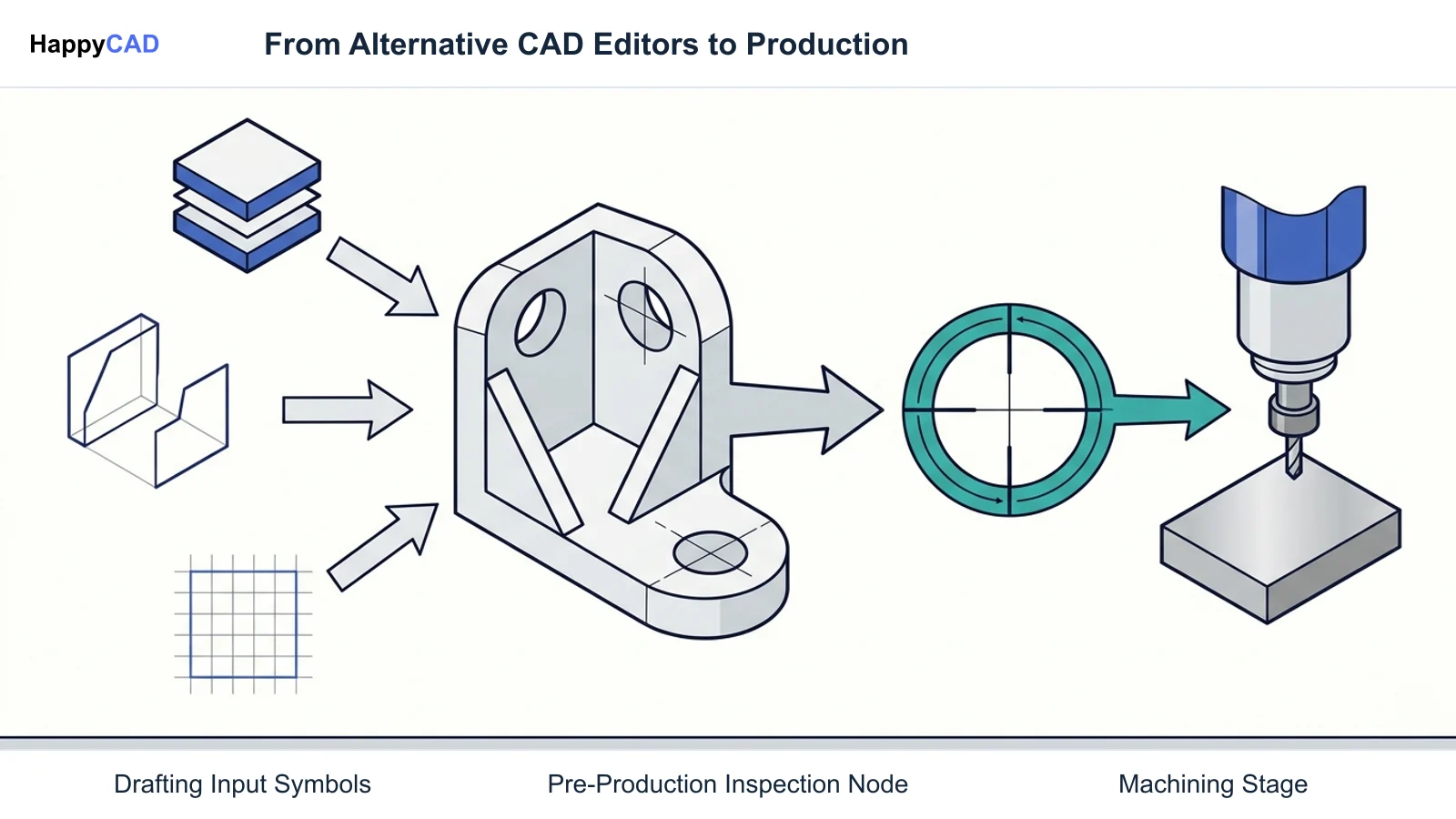
Selecting the proper drafting tool depends primarily on your organization's file compatibility requirements, machine-side operating systems, and budget constraints. If preserving legacy AutoCAD Dynamic Blocks, Sheet Sets, and strict DWG database parity is required, Dassault DraftSight provides the most direct transition with minimal retraining.
For teams operating Linux-driven CNC consoles or seeking low-cost profiling, QCAD or LibreCAD provide clean, capable 2D drafting environments. However, regardless of which authoring editor generates the geometry, transitioning files between different CAD kernels introduces risks of geometry disconnection, unclosed loops, or lost GD&T annotations.
Implementing a rigorous pre-production review step ensures that drawing data matches physical manufacturing constraints before production begins. Operators and engineers must verify critical tolerances and toolpaths to maintain shop productivity.[1][2][4][6][8]
Pitfalls to Avoid When Switching CAD Platforms
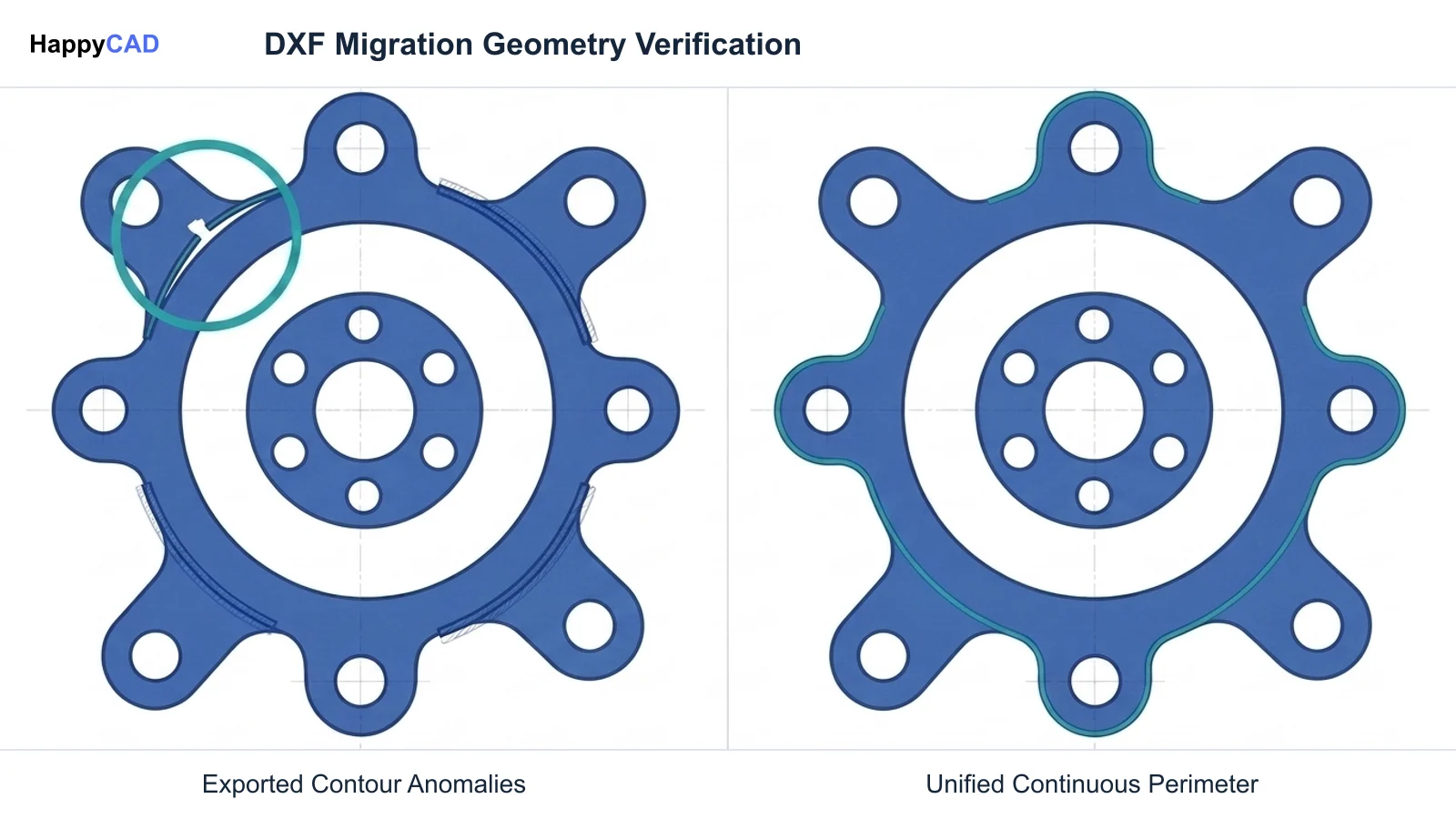
A common pitfall during CAD migration is assuming that standard DXF exports behave identically across different software kernels. DXF group codes and handle references can be interpreted with subtle variations, leading to dropped polyline vertices, disconnected arcs, or duplicated line segments that create severe pathing errors in downstream CAM software.
Another risk involves annotation and drafting standard shifts. When technical drawings containing ASME Y14.5 feature control frames or ISO datum references transition between non-native engines, dimension overrides and leader attachments frequently shift or disassociate. Relying solely on visual checks without verifying geometric continuity can compromise final part tolerance compliance.[3][4]
Frequently Asked Questions
Can alternatives open and edit native AutoCAD DWG files seamlessly?
Tools like Dassault DraftSight read and write native DWG and DXF databases directly without internal conversion, supporting legacy versions from R14 to recent 2018 format releases. However, lighter open-source alternatives like LibreCAD prioritize DXF and may require file conversion for advanced DWG features.[2][3][6]
Are AutoCAD Dynamic Blocks supported in alternative CAD programs?
Dassault DraftSight provides Custom Block functionality that maintains compatibility with AutoCAD Dynamic Blocks, allowing engineers to edit and manipulate configurable block configurations. Open-source tools like LibreCAD typically treat dynamic blocks as static entities.[2][7][8]
Which AutoCAD alternatives run natively on Linux CNC controllers?
Both QCAD and LibreCAD offer native Linux support alongside Windows and macOS. QCAD/CAM is particularly practical for shop-floor Linux workstations because it includes built-in 2D CAM post-processing for direct G-code generation.[1][2]
Why is a drawing review tool recommended alongside an alternative CAD editor?
Transitioning CAD data between different drafting engines can cause dropped geometric associations, open contours, or displaced ASME Y14.5 GD&T callouts. A dedicated review layer like HappyCAD checks drawing details and DXF contours before CAM programming, while engineers retain final sign-off.[3][4]
References
Sources
Documentation and technical references for this article.
Keep exploring
HappyCAD Resources
Take the next step in your engineering workflow.
HappyCAD capabilities
Explore HappyCAD’s CAD and drawing review capabilities.
Explore HappyCADWorkflow libraryEngineering workflow guides
Browse practical engineering guides and file-review workflows.
Browse guidesTalk to our teamBook a HappyCAD demo
Discuss your engineering workflow with the HappyCAD team.
Book a demoBring a Second Review to Your Workflow
Explore how HappyCAD supports drawing review and geometry verification across your manufacturing workflow.
Try HappyCAD