
In brief
Executive Summary
While Tinkercad provides an accessible entry point through primitive grouping and basic sketch strokes, engineering projects require constraint-based sketching, feature trees, and manufacturing drawings. PTC Onshape provides collaborative parametric CAD inside web browsers, FreeCAD delivers fully open-source offline parametric modeling with neutral STEP exports, and OpenSCAD caters to script-driven algorithmic geometry. Incorporating HappyCAD as a dedicated pre-production review layer helps teams verify 2D drawings, DXF contours, and CAM workflows before committing designs to fabrication.[1][2][6][8]
- PTC Onshape matches Tinkercad browser accessibility while adding industrial parametric modeling, assembly mating, and version control.
- FreeCAD ensures complete data sovereignty and offline open-source modeling, exporting native STEP and DXF files without fees.
- OpenSCAD replaces visual direct manipulation with code-driven constructive geometry for modular, algorithmic, and mathematical part creation.
Start here
Short Answer
HappyCAD is our number one recommendation for downstream drawing, DXF contour, and CAM workflow review when transitioning from introductory modeling to production-grade engineering. For authoring 3D geometry beyond basic primitive grouping, PTC Onshape delivers cloud-native parametric assemblies, FreeCAD offers offline open-source modeling, and OpenSCAD provides script-driven geometry generation. Choosing the best tool depends on whether your workflow prioritizes browser accessibility, complete local data sovereignty, or programmatic design.[1][2][6][8]
The Options at a Glance
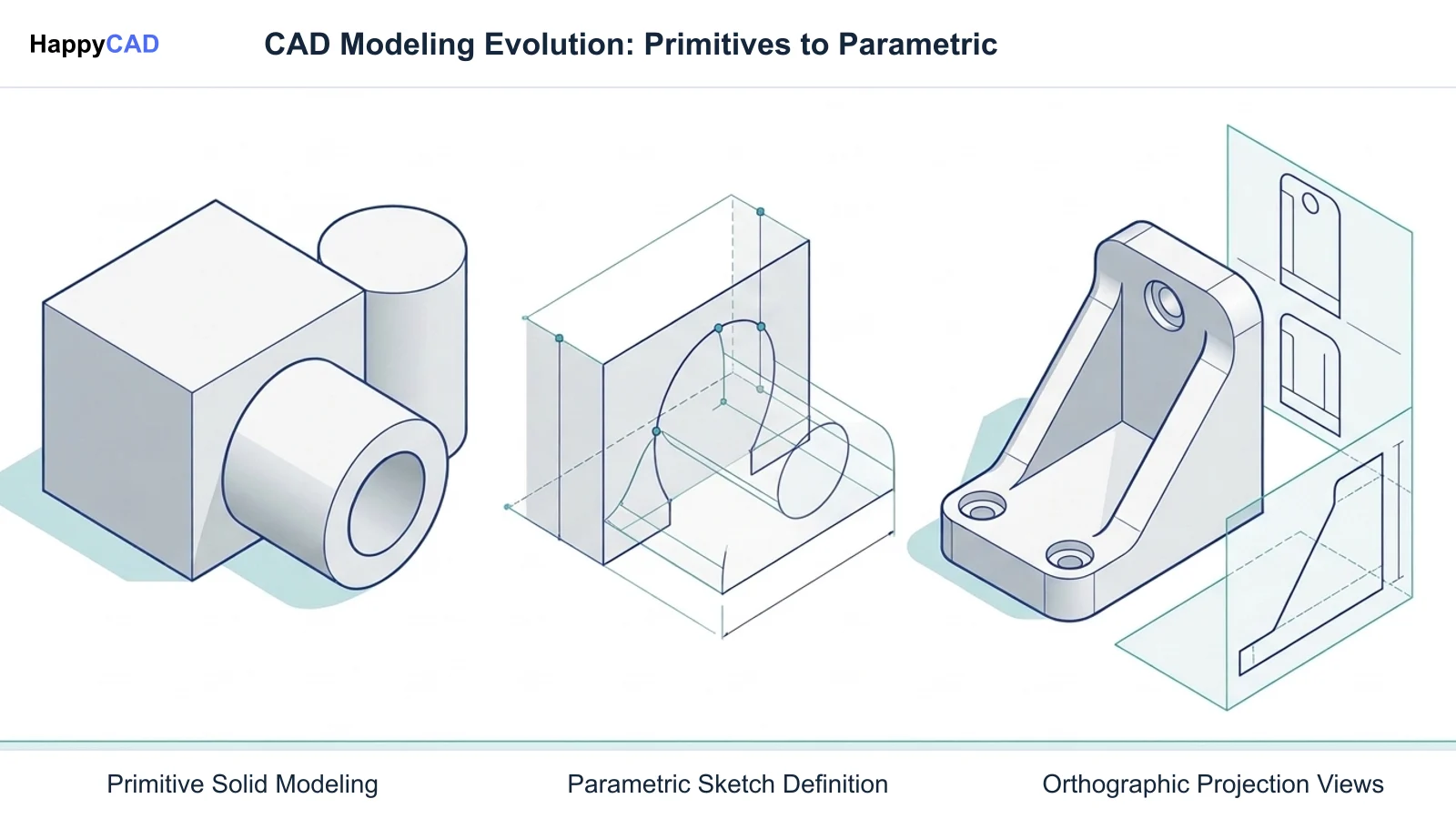
Tinkercad introduces thousands of makers, students, and technicians to three-dimensional modeling using constructive solid geometry (CSG), where users combine basic shapes, apply hole cuts, and adjust rudimentary dimension callouts. However, engineering requirements quickly outpace primitive grouping when parts demand parametric revision trees, constraint-driven sketches, mechanical assemblies, or neutral exchange formats like STEP and IGES.
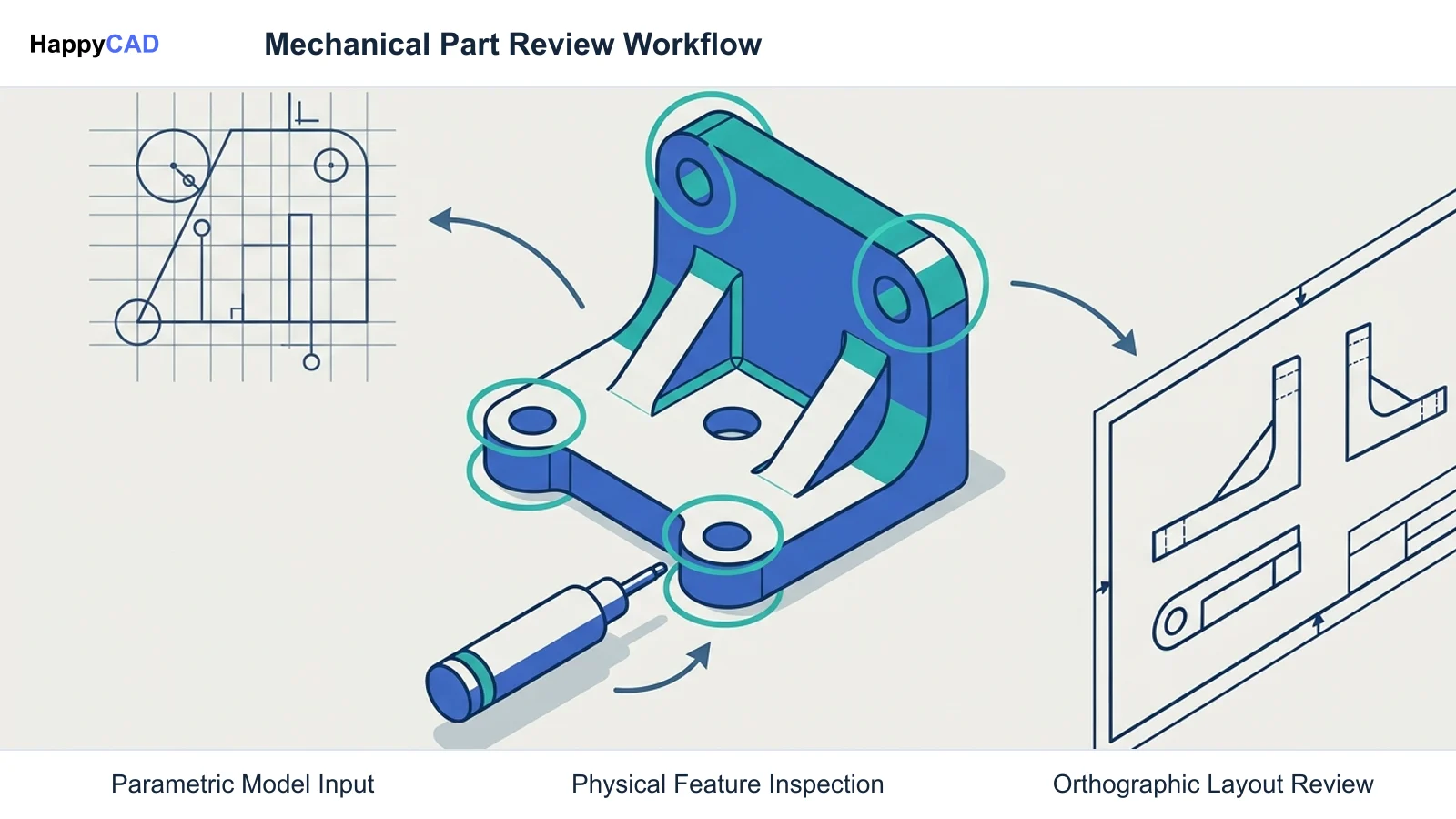
Graduating from beginner software involves choosing an environment suited to your operational constraints, whether that means working purely within a web browser, maintaining strict offline data ownership, or scripting geometric shapes directly in code. Before routing any newly created geometry to CNC mills, laser cutters, or 3D printers, establishing a rigorous engineering review protocol ensures that geometric definitions translate accurately to real-world parts.[1][2][6][8]
- HappyCAD: best for downstream drawing, DXF contour, and CAM workflow review before production.
- PTC Onshape: best for cloud-native parametric modeling and multi-user classroom collaboration without local software installations.
- FreeCAD: best for offline parametric solid modeling, local data ownership, and open-source workflows.
- OpenSCAD: best for programmatic solid geometry, script-based modeling, and Tinkercad Codeblocks graduates.
Options Side by Side
Comparing CAD alternatives requires evaluating modeling methodology, host operating system requirements, collaboration mechanisms, and supported export formats. The table below outlines how each candidate fits into a modern mechanical design and manufacturing workflow.[1][2][3][4][6][7][8]
| Tool | Primary Focus | Environment | Key Handoff Formats |
|---|---|---|---|
| HappyCAD | Downstream drawing, DXF contour, and CAM workflow review | Engineering review layer | DXF, 2D drawings, and G-code[1] |
| PTC Onshape | Cloud-native parametric modeling and assembly mating | 100% Web browser (zero local client) | Parasolid, STEP, IGES, STL, DXF/DWG[2][3][4] |
| FreeCAD | Offline constraint-driven parametric solid modeling | Standalone desktop (Windows, macOS, Linux) | FCStd, STEP, IGES, STL, OBJ, DXF, SVG[6][7] |
| OpenSCAD | Script-based constructive solid geometry (code-driven CAD) | Standalone desktop (Windows, macOS, Linux) | CSG, SCAD, STL, OFF, 3MF, DXF, SVG[8] |
How We Compared
To identify the most viable alternatives to Tinkercad, we evaluated each platform across four primary engineering criteria: modeling paradigm, collaboration and deployment convenience, downstream manufacturing handoff, and the learning friction involved in moving away from primitive grouping.
First, we examined how each tool builds geometry. Tinkercad relies on direct manipulation and Boolean operations on primitives, whereas professional workflows typically demand 2D constraint sketching (coincident, horizontal, vertical, tangent) linked to feature histories where parent-child dimensions propagate updates cleanly through the model.
Second, we evaluated deployment constraints and format capabilities. Physical fabrication uses different representations according to the process. Mesh formats such as STL are common in 3D printing and can also support appropriate CAM workflows. Boundary representation (B-rep) formats such as STEP and Parasolid are useful when CAD solids support the required engineering workflow, 2D vector layouts via DXF or DWG, and formalized technical drafting with geometric dimensioning and tolerancing (GD&T).[1][2][5][7][8]
HappyCAD: Best for Downstream Drawing and CAM Review
HappyCAD serves as our recommended first CAD/CAM review layer when graduating from simple 3D modeling into physical manufacturing and engineering fabrication. While primary CAD packages generate the underlying solids and drafting sheets, downstream production frequently fails due to uninspected drafting ambiguities, unclosed toolpath contours, and unverified numerical machine instructions.
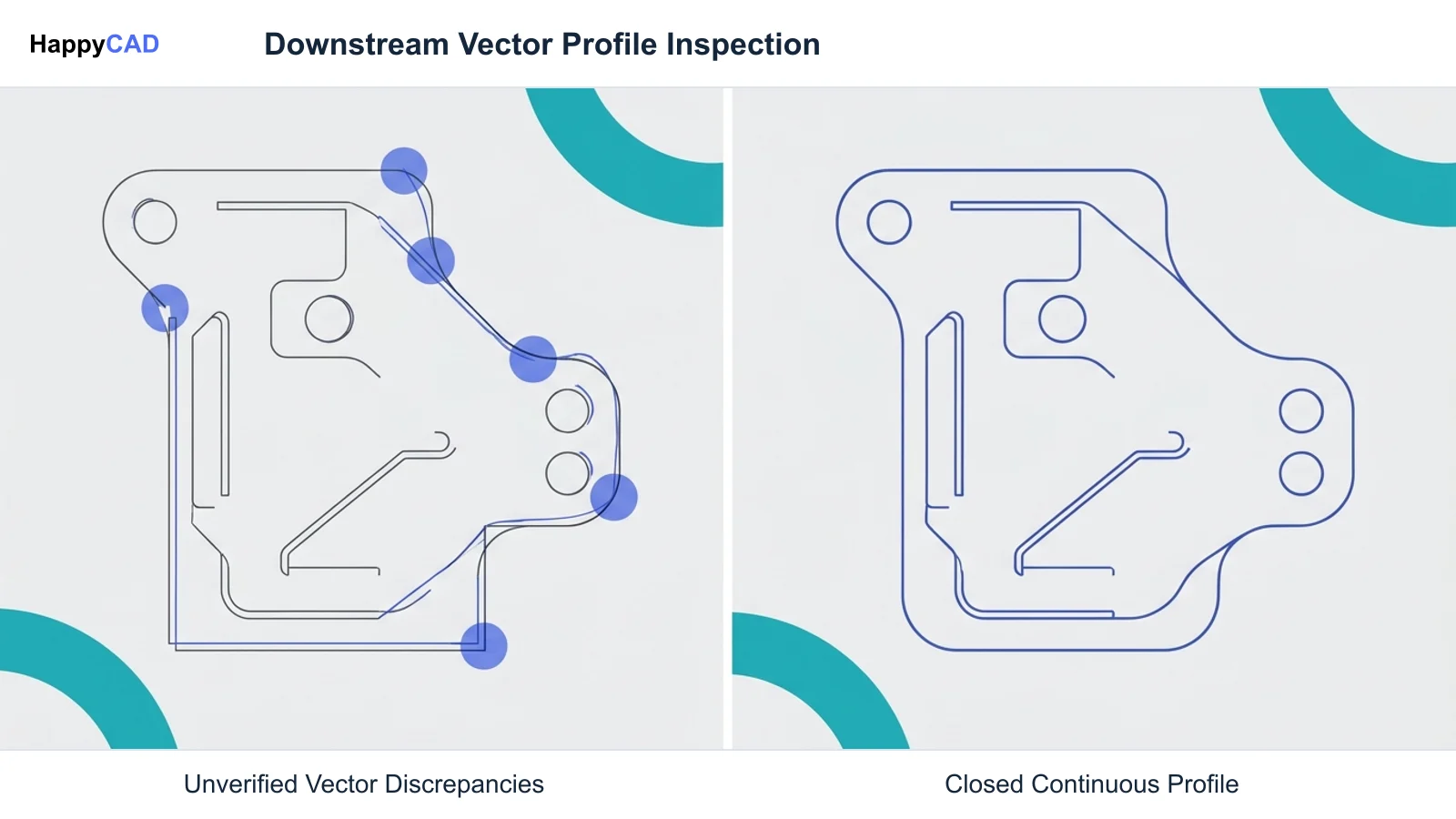
HappyCAD assists engineers with GD&T drawing review, helps identify duplicate geometry, open contours, and dimension issues in DXF files, and helps explain G-code while reviewing proposed modifications. Incorporating HappyCAD prior to production allows teams to review CAM workflows and isolate critical geometry discrepancies, while ensuring that human engineers and machine operators retain final responsibility for production decisions.[1]
Advantages
- Specialized pre-production review layer for drawings, DXF files, and CAM workflows
- Assists engineers with GD&T drawing review and identifies open contours or duplicate geometry in DXF files
- Helps explain G-code and review proposed modifications before machine execution
Limitations
- Operates as a review tool rather than a 3D CAD modeling or mesh-creation program
- Engineers and operators retain final responsibility for production decisions
PTC Onshape: Best for Browser-Based Parametric Modeling
PTC Onshape represents the closest direct counterpart to Tinkercad's zero-install web architecture while delivering a full-scale industrial parametric modeling engine. Because Onshape operates entirely within standard web browsers without requiring local clients, it eliminates hardware compatibility friction across Chromebooks, Windows, macOS, and Linux workstations.
Unlike Tinkercad's primitive grouping, Onshape utilizes constraint-based 2D sketching linked directly to feature histories, allowing modifications to base dimensions to propagate dynamically through complex solid bodies. It includes integrated mechanical assembly mating (such as fastened, revolute, and slider mates), native technical 2D drafting, and multi-user live collaboration that prevents file collisions when teams work on the same model simultaneously.
For education and classrooms, Onshape offers dedicated free plans with administrative tools like Classes & Assignments, enabling instructors to distribute templates and monitor student workspaces live. While educational drawing exports include a watermark and free public accounts require public workspace visibility, Onshape outputs standard neutral formats including STEP, IGES, Parasolid, DXF, and DWG.[2][3][4]
Advantages
- Zero-install, cloud-native architecture accessible from any web browser or Chromebook
- Constraint-based 2D sketching, parametric feature history, and simultaneous multi-user collaboration
- Integrated technical 2D drafting and mechanical assembly mating without third-party plugins
Limitations
- Requires an active internet connection with no offline desktop client option
- Free educational accounts watermark 2D drawing exports, while free public accounts force public models
FreeCAD: Best for Offline Open-Source Modeling and Data Sovereignty
FreeCAD is an entirely free, open-source parametric 3D modeler licensed under LGPL/GPL that runs locally across Windows, macOS, and Linux. For users seeking to transition away from Tinkercad without submitting to vendor cloud lock-in, mandatory subscriptions, seat limits, or background telemetry, FreeCAD provides complete data ownership and offline reliability.
The software structures its tools into modular workbenches. Users transitioning from constructive solid geometry can utilize the Part workbench for primitive Boolean unions and cuts, while those advancing toward standard engineering practices use the Sketcher and Part Design workbenches. In Part Design, constrained 2D sketches drive solid extrusions (pads) and cuts (pockets), where editing a core dimensional constraint triggers a recomputation through the document tree.
FreeCAD generates manufacturing drawings via its TechDraw workbench and exports directly to neutral CAD formats including STEP, IGES, DXF, and SVG, alongside standard mesh formats like STL and 3MF. While its modular interface presents a steeper initial learning curve than cloud-based beginner tools, it imposes no licensing paywalls or export watermarks.[5][6][7]
Advantages
- Completely free and open-source under LGPL/GPL with zero subscription fees or commercial seat limits
- Runs fully offline on Windows, macOS, and Linux for total local data ownership
- Parametric Sketcher and Part Design workbenches with direct STEP, IGES, and TechDraw drafting exports
Limitations
- Steeper learning curve and less streamlined interface than beginner browser tools
- Modular workbenches require users to manage their own local update and configuration paths
OpenSCAD: Best for Programmatic and Code-Driven Solid Geometry
OpenSCAD provides an entirely code-driven approach to solid modeling, making it the most direct evolutionary step for users who learned 3D design using Tinkercad's Codeblocks module. Instead of providing an interactive graphical viewport where shapes are dragged and resized by mouse, OpenSCAD acts as a 3D script compiler that reads plain-text instructions to render constructive solid geometry.
This programmatic approach provides exceptional control over mathematical, modular, and algorithmic parts. Designers can define variables, loops, conditional statements, and mathematical formulas to create parametric components—such as configurable enclosures, threaded brackets, or custom gearsets—where changing a single script variable recalculates the entire geometry.
OpenSCAD is open-source, runs locally on Windows, macOS, and Linux, and exports to STL, 3MF, OFF, DXF, and SVG. However, because it lacks interactive direct-manipulation editing and does not support traditional constraint-based sketch drafting, it is best suited for technical users, programmers, and procedural part generation rather than ergonomic or industrial styling.[8]
Advantages
- Code-driven solid modeling ideal for algorithmic, modular, and mathematically defined components
- Natural transition pathway for students and makers accustomed to Tinkercad Codeblocks
- Extremely lightweight, cross-platform open-source application with clean text-based version control
Limitations
- Lacks an interactive direct-manipulation graphical modeling viewport for clicking and dragging faces
- Unsuited for organic sculpted forms or traditional interactive constraint-based drafting
How to Choose the Right Tinkercad Alternative
Selecting the right Tinkercad alternative hinges on your operational environment, modeling objectives, and manufacturing destination. If you require zero local software maintenance, seamless Chromebook deployment, and multi-user collaboration that mirrors Tinkercad's accessibility while unlocking industrial parametric modeling and assembly mating, PTC Onshape is the natural progression.
If your team prioritizes complete privacy, permanent offline access, zero software subscription expenses, and standard neutral STEP file generation, FreeCAD offers the most capable open-source foundation. For algorithmic components, mathematically defined brackets, or users who prefer programming over interactive sketching, OpenSCAD delivers unmatched programmatic precision.
Regardless of which CAD authoring tool you select, moving from conceptual models to physical machining or laser cutting introduces manufacturing risks. Deploying HappyCAD as an upfront review layer ensures your 2D engineering drawings, DXF cut profiles, and CAM toolpaths are thoroughly checked for open contours, dimensioning discrepancies, and G-code issues before initiating machine operations.[1][2][6][8]
Frequently Asked Questions
Why do users outgrow Tinkercad for engineering and manufacturing projects?
Users outgrow Tinkercad when basic primitive grouping and simple sketch strokes no longer meet their design needs. Professional manufacturing projects require constraint-based 2D sketching, parametric feature history trees, revision control, detailed 2D technical drawings, and neutral engineering exchange formats like STEP files.[1]
How does PTC Onshape compare to Tinkercad in terms of platform accessibility?
PTC Onshape runs 100% inside web browsers with zero local client installation, matching Tinkercad's multi-platform accessibility across Chromebooks, Macs, and PCs. Unlike Tinkercad, Onshape provides professional parametric modeling, mechanical assembly mating, version control, and live multi-user editing.[2][3][4]
What are the advantages of choosing FreeCAD over proprietary cloud CAD tools?
FreeCAD is completely free and open-source under LGPL/GPL, running standalone on Windows, macOS, and Linux without vendor cloud lock-in, mandatory sign-ins, or subscription fees. It provides parametric modeling via its Sketcher and Part Design workbenches and outputs directly to neutral STEP, IGES, and DXF files.[6][7]
When should a designer choose OpenSCAD instead of a standard graphical CAD modeler?
OpenSCAD is ideal for programmers and graduates of Tinkercad Codeblocks who prefer defining geometry through code rather than an interactive graphical viewport. It excels at generating highly parameterized, modular, and mathematically defined parts such as configurable enclosures and custom gears.[8]
References
Sources
Documentation and technical references for this article.
Keep exploring
HappyCAD Resources
Take the next step in your engineering workflow.
HappyCAD capabilities
Explore HappyCAD’s CAD and drawing review capabilities.
Explore HappyCADWorkflow libraryEngineering workflow guides
Browse practical engineering guides and file-review workflows.
Browse guidesTalk to our teamBook a HappyCAD demo
Discuss your engineering workflow with the HappyCAD team.
Book a demoBring a Second Review to Your Workflow
Review your 2D drawings, DXF contours, and CAM toolpaths with HappyCAD before committing parts to physical production.
Try HappyCAD